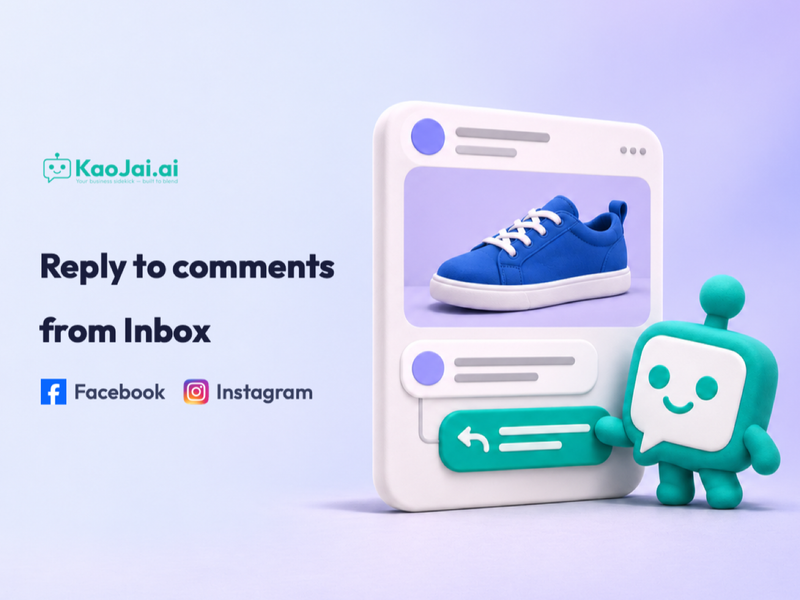
Reply to Facebook and Instagram comments from KaoJai Inbox
Read comments on posts from your connected Facebook Pages and Instagram accounts, then reply publicly from KaoJai Inbox.
- public-comments
- unified-inbox
- customer-service
- new-feature
Bài viết, ý tưởng và hướng dẫn từ KaoJai.ai, sắp xếp từ mới nhất đến cũ nhất.
Read comments on posts from your connected Facebook Pages and Instagram accounts, then reply publicly from KaoJai Inbox.
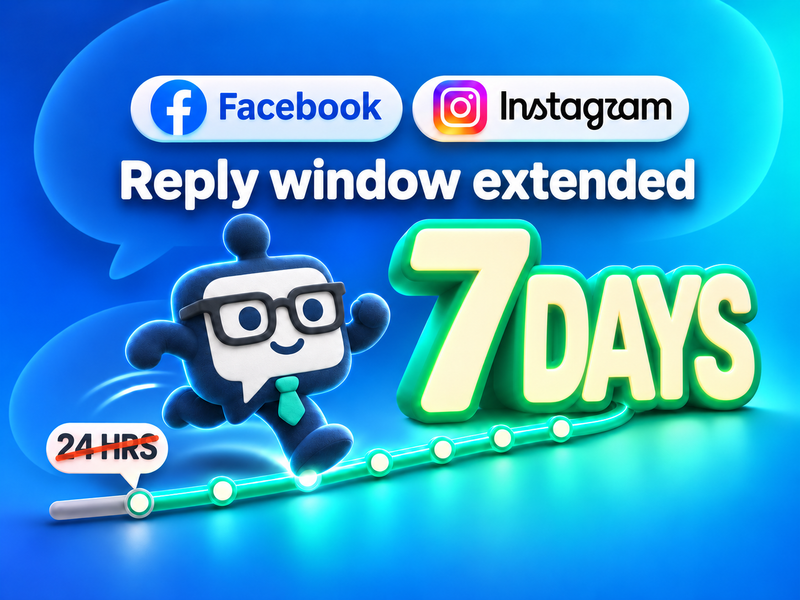
Need to reply after 24 hours? Your team can reply in the original Facebook Messenger or Instagram Direct conversation for up to 7 days.
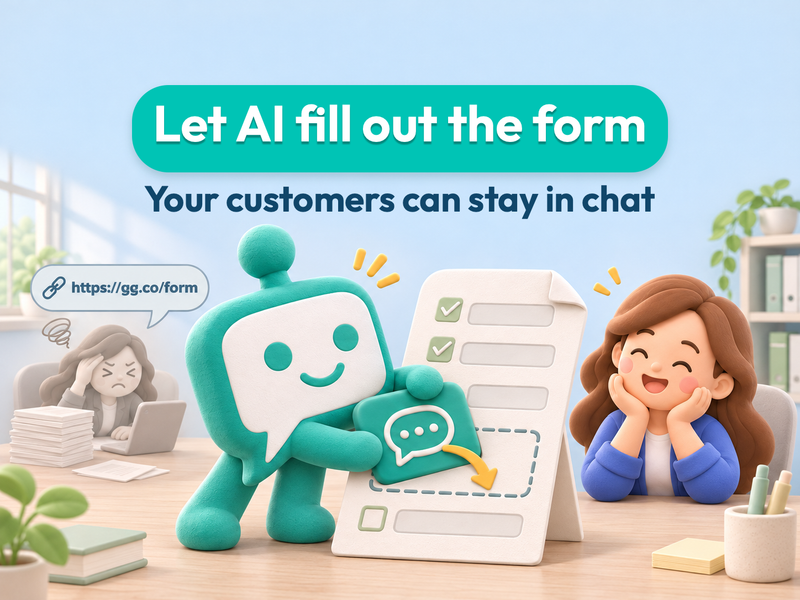
Set up case forms for different requests. KaoJai uses details customers already shared, asks for missing information, and saves a case for your team to follow up.
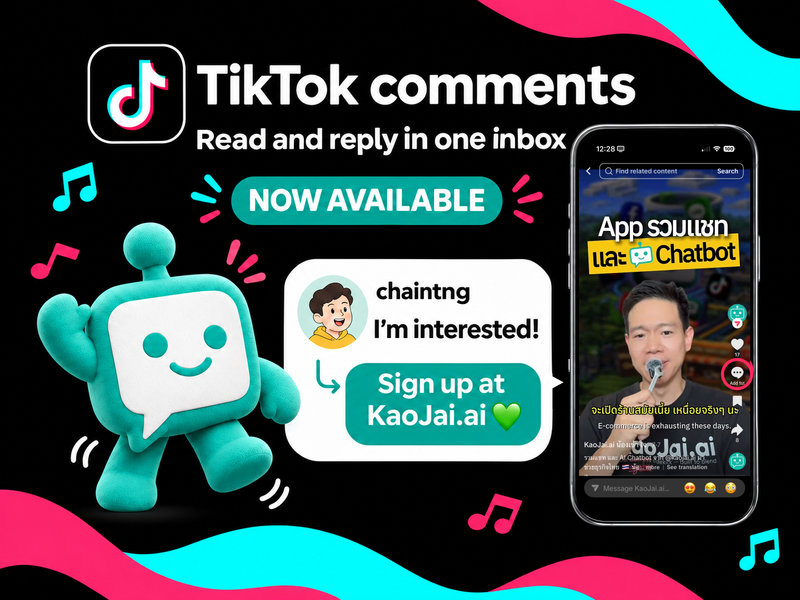
Read and reply to public TikTok comments from KaoJai.ai Inbox. Already connected? Reconnect your existing TikTok account to grant comment access.
Meet KaoJai.ai at Booth D16, DigiTech 2026, 25–27 November at IMPACT. Set up your store at the event for free unlimited AI tokens through the end of 2026.
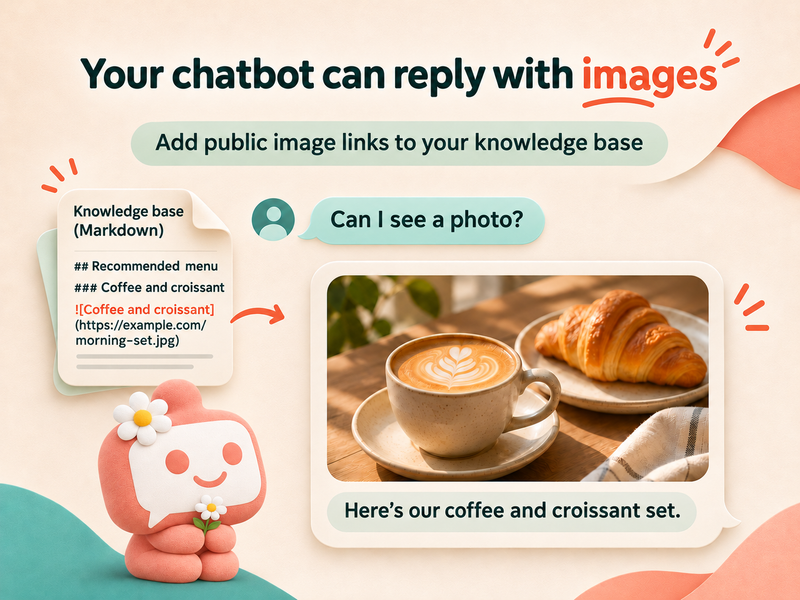
Let AI choose useful images from your knowledge base. Add a public image URL alongside its description, preferably in Markdown.
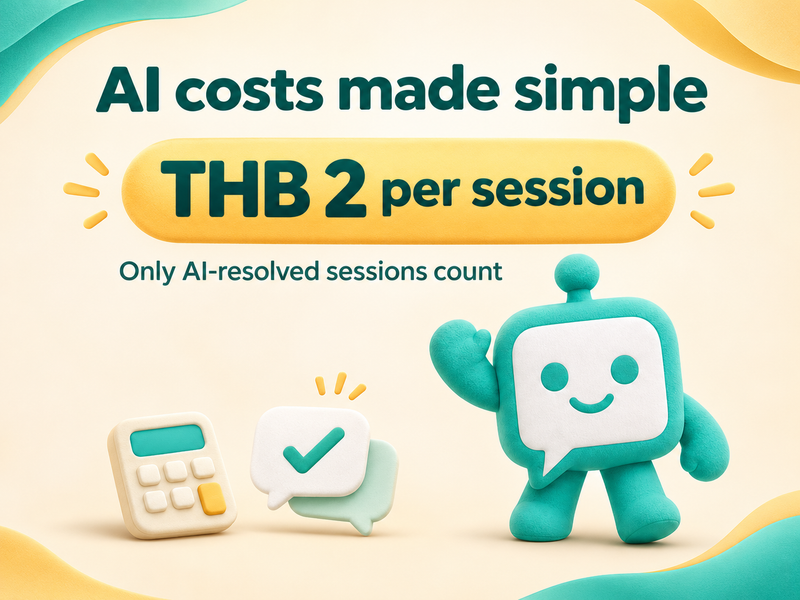
Plan your AI budget with KaoJai.ai at THB 2 per AI-resolved session. Human handoffs are excluded. See practical examples, simple calculations, and a comparison with token-based billing.
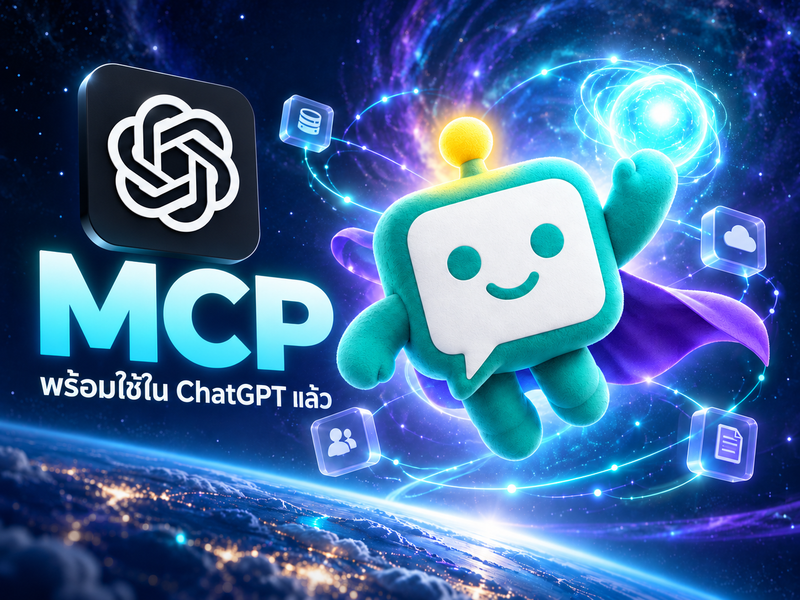
Install KJ admin in ChatGPT to find conversations, check bookings, and summarize business data, with a weekly PDF report example.
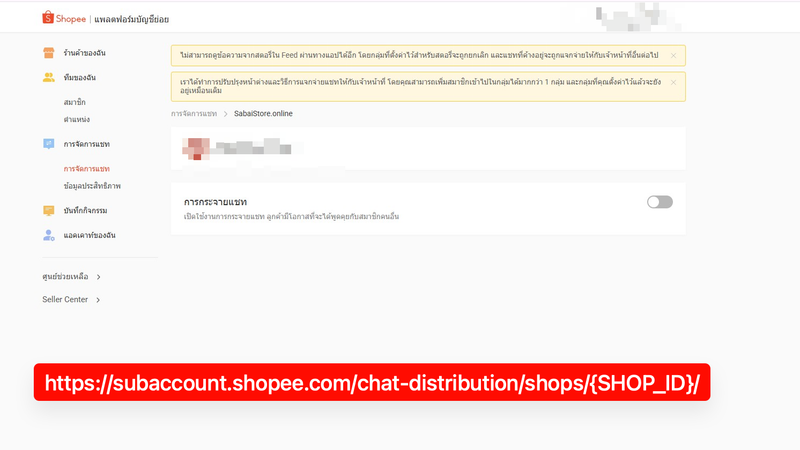
Turn off Shopee shop chat distribution, unlink a shop from the Sub-account Platform, and verify that the warning banner disappears before using Omnichat.
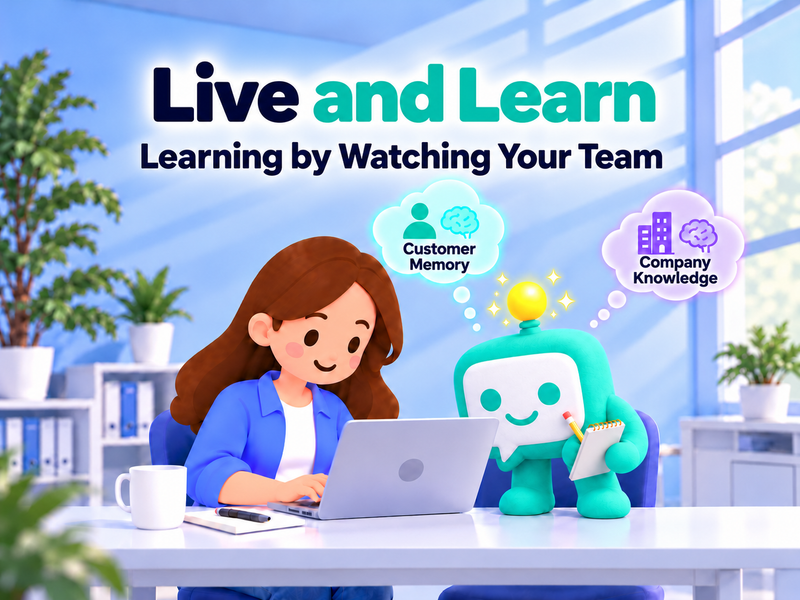
N'KaoJai learns from your team's everyday work, remembers useful customer context, and proposes company knowledge for human review. Available only through the Pilot Program.
Reduce manual chat handoffs with KaoJai.ai Automation. Route new work by channel, account and time, send preset replies, and test rules before enabling them.
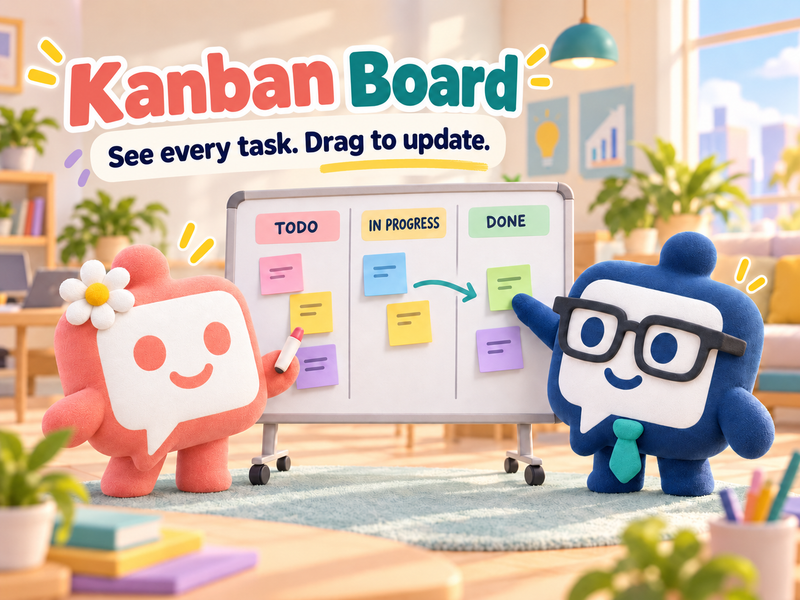
See new tasks, work in progress, and cases waiting for customers with KaoJai's Kanban Board. Filter your work and share a view with your team.
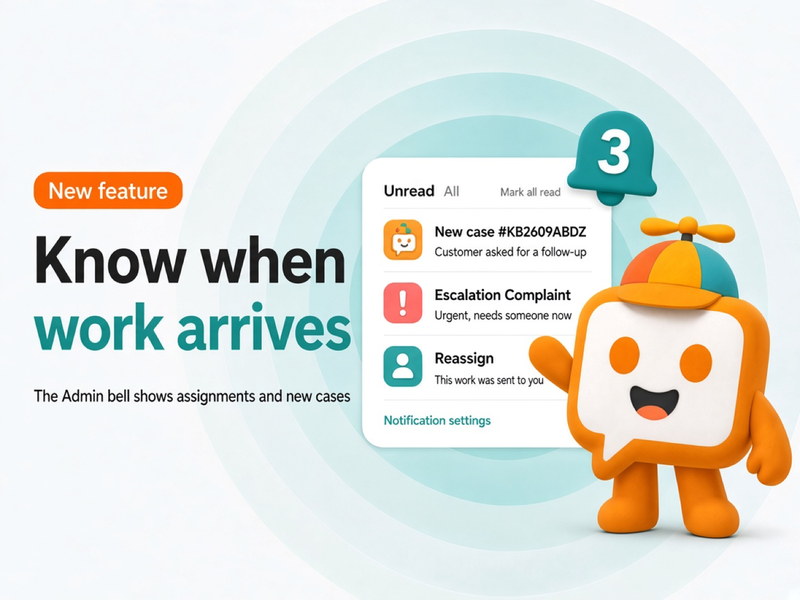
The KaoJai Admin bell collects assignments and new cases in one place. Open an item to jump to the work, and choose which alerts should also push to your device.
Magic Eyes is a KaoJai.ai side project that lets people in Bangkok report floods, traffic, and open food spots through the Instagram, Facebook, or LINE they already use, then shows everything on a live map at live.kaojai.ai.
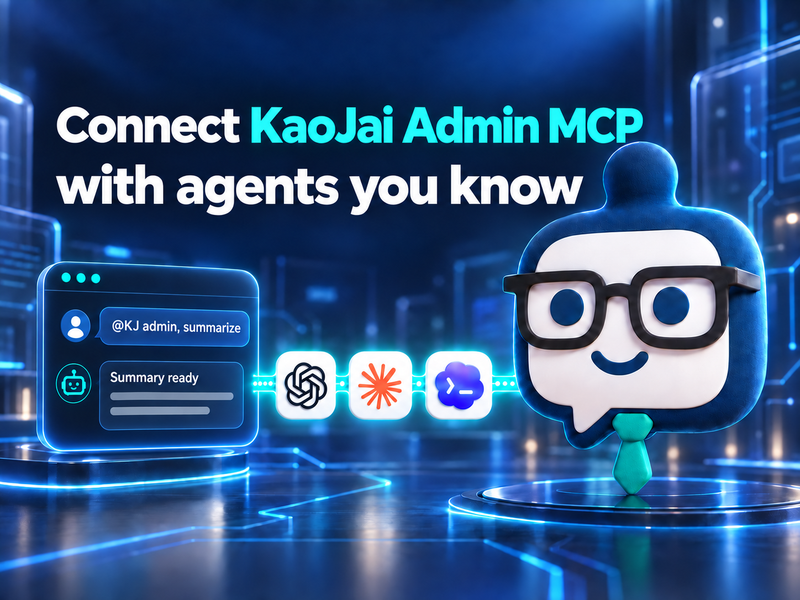
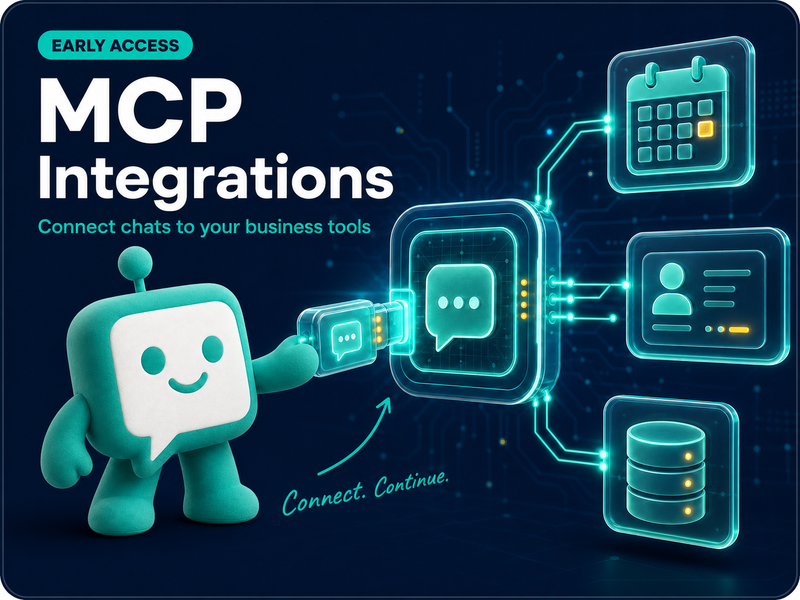
Connect KaoJai Admin MCP to ChatGPT, Claude, and Codex with a Starter plan or higher.
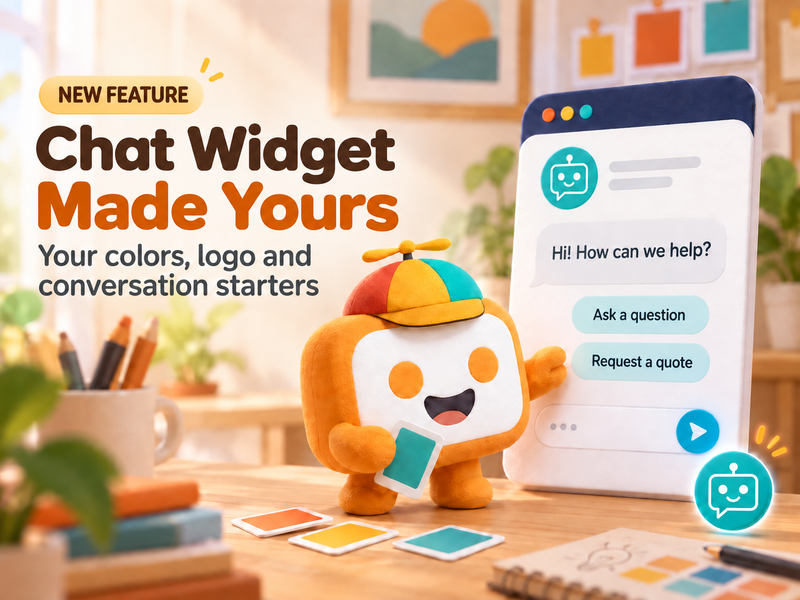
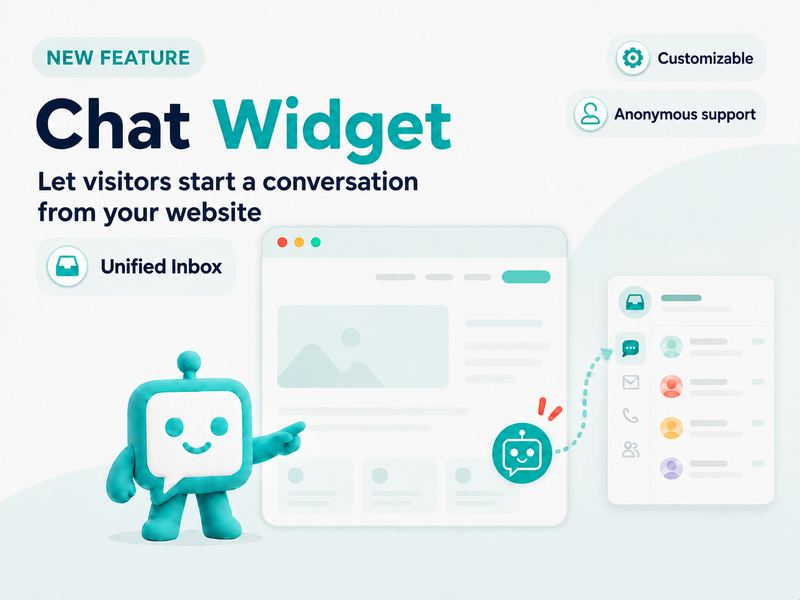
KaoJai.ai Chat Widget now lets you customize the title, subtitle, hover message, color, logo, starter keywords, allowed domains, preview, and setup code.
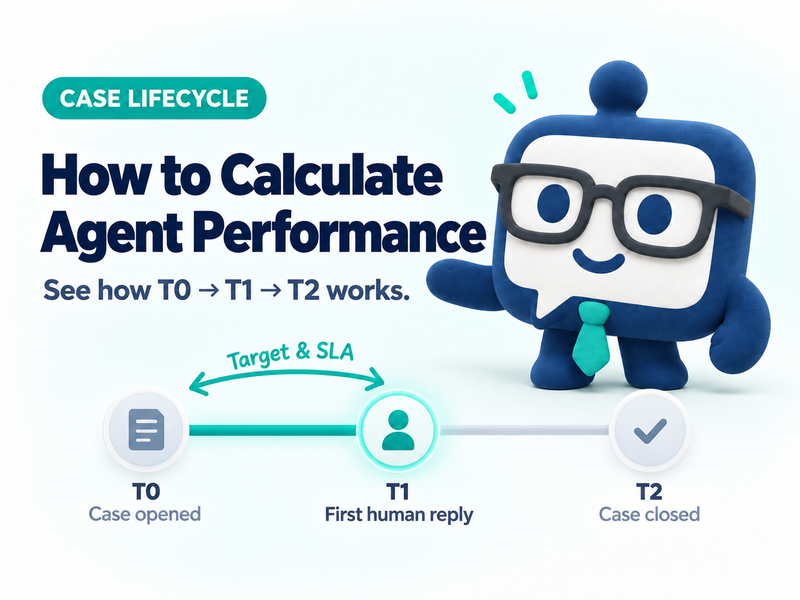
Case open is T0. The first human reply is T1A. The bot is T1B. Close is T2. Target and SLA count business hours from T0 to T1A, not time to close.
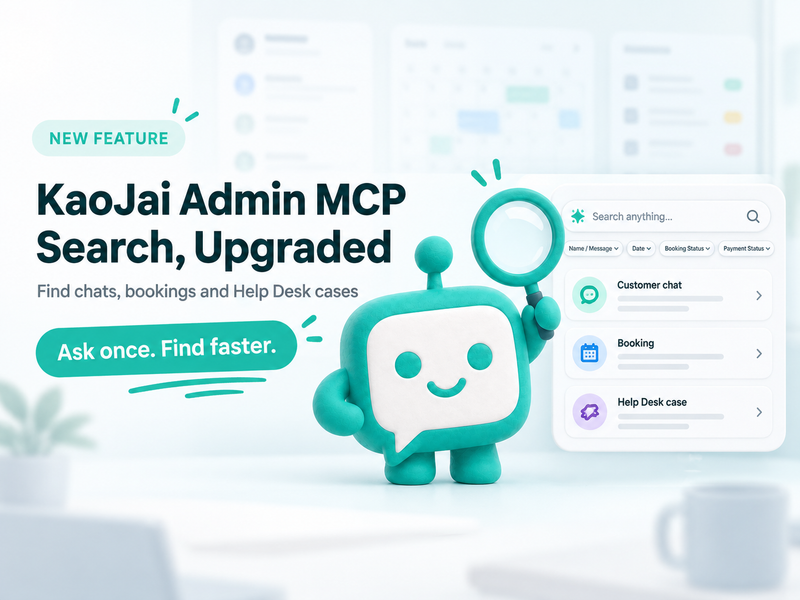
KaoJai Admin MCP can search conversations, booking summaries, and Help Desk cases in the selected workspace, helping teams find operational context through AI.
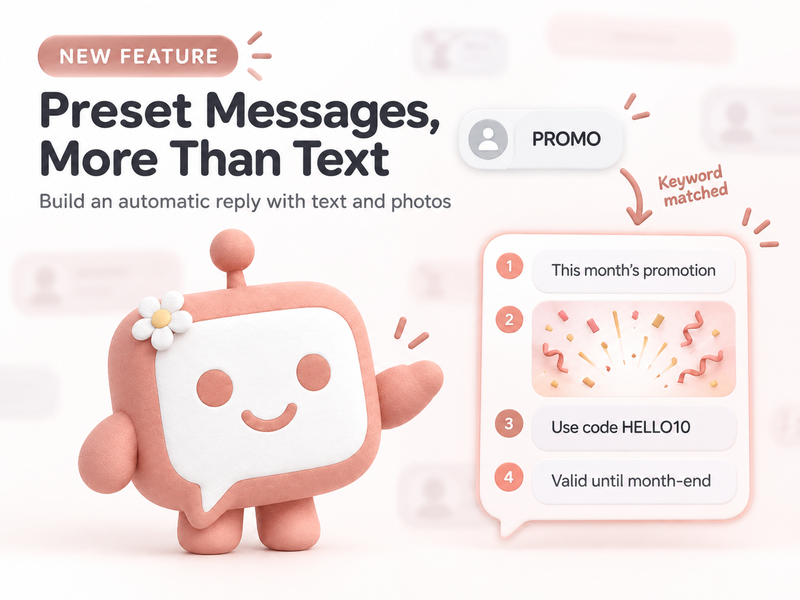
Build Preset Messages with up to four ordered text and photo items, then use question-style titles to contribute clearer AI training data for your team.
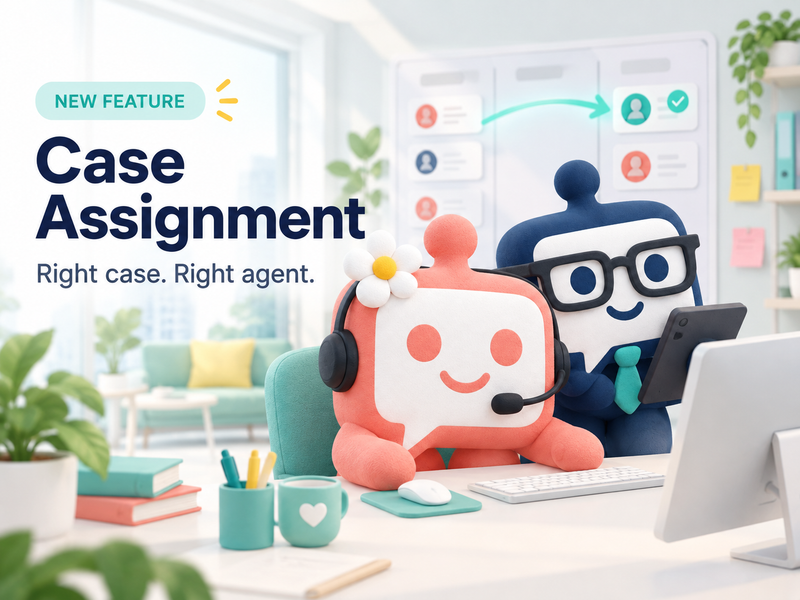
Learn how Case Assignment turns customer chats into owned, trackable cases with manual creation, automatic case creation, automatic assignment, team managers, check-in controls, and team performance reporting.
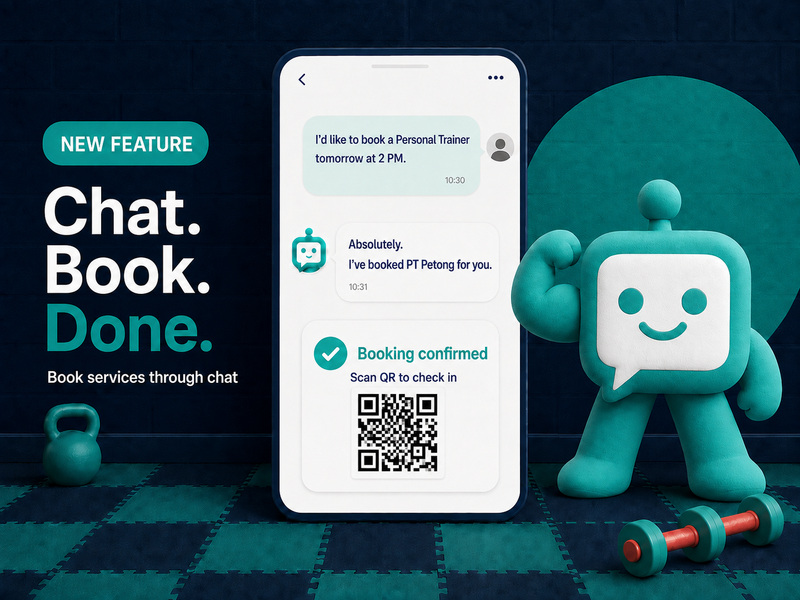
A new KaoJai.ai feature lets customers ask, choose a time, and create a booking through chat—then continue through Frontdoor, a flexible storefront built around how each business wants customers to book.
KaoJai.ai is opening its Referral Rewards program for referrers, new businesses, and approved affiliates.
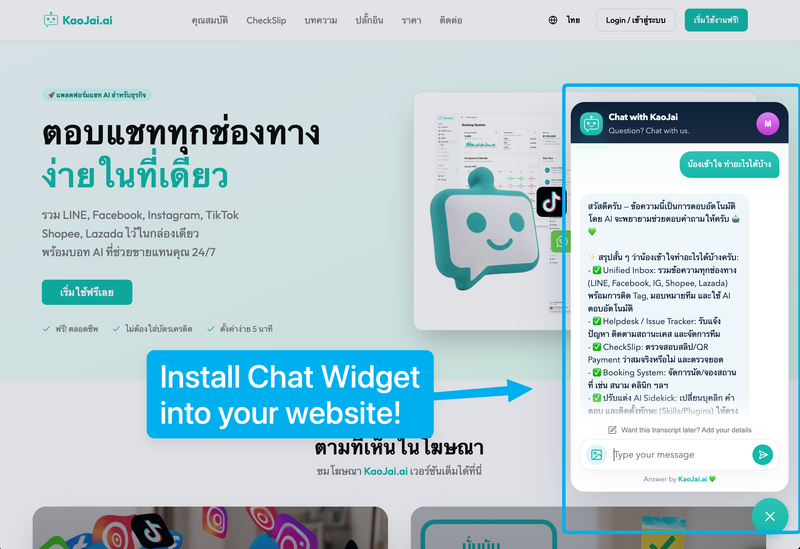
Create a Chat Widget in Integrations, copy its setup code, and add it to your website so messages arrive in your Unified Inbox.
Use an approved AI client to read, search, and send messages in the tenant chat you manage with natural-language commands during MCP Early Access for the Pilot Program.
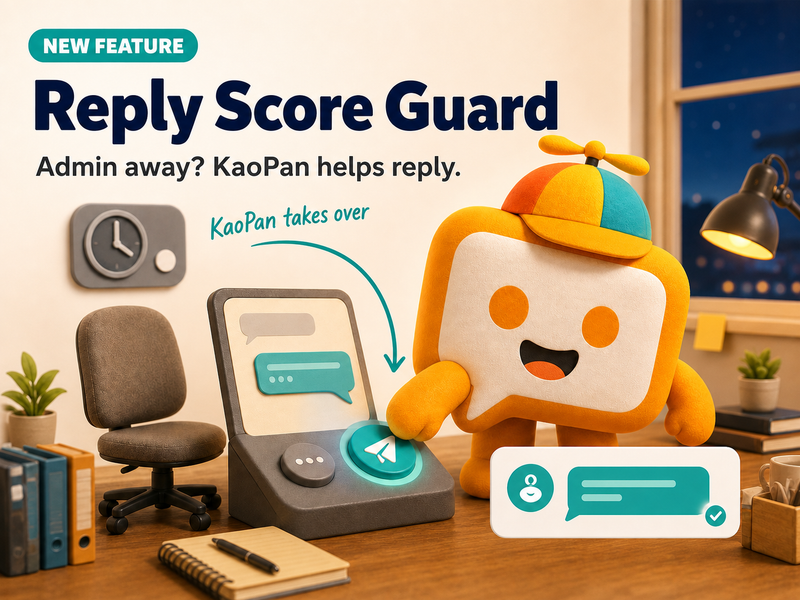
Learn how Reply Score Guard automatically sends a preset message when an admin has not replied within the configured time, helping customers feel acknowledged and reducing the risk of a lower shop reply score.
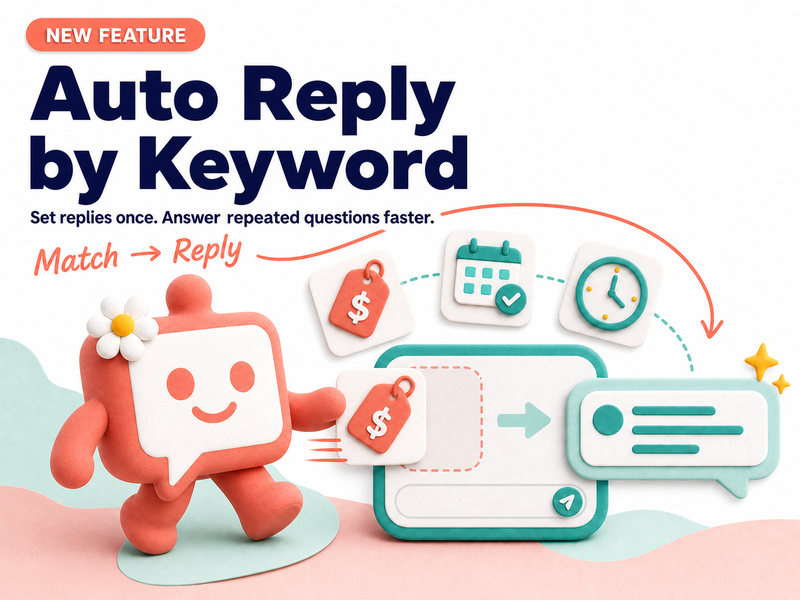
Learn how Auto Reply by Keyword helps businesses prepare automatic replies for common customer questions, reduce repetitive work, and give the team more time for conversations that need human understanding.
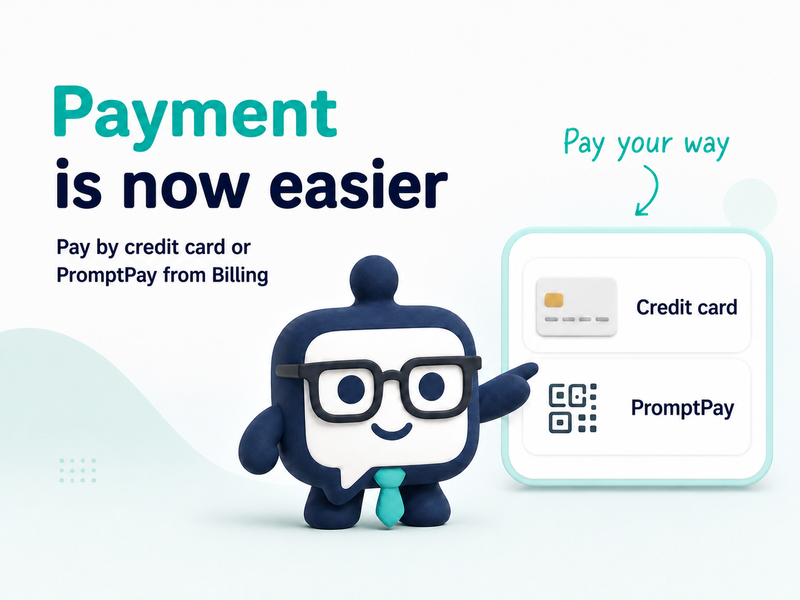
Payment is now easier in KaoJai Admin. Choose a credit card or PromptPay directly from the Billing page when you subscribe to or upgrade a supported plan.
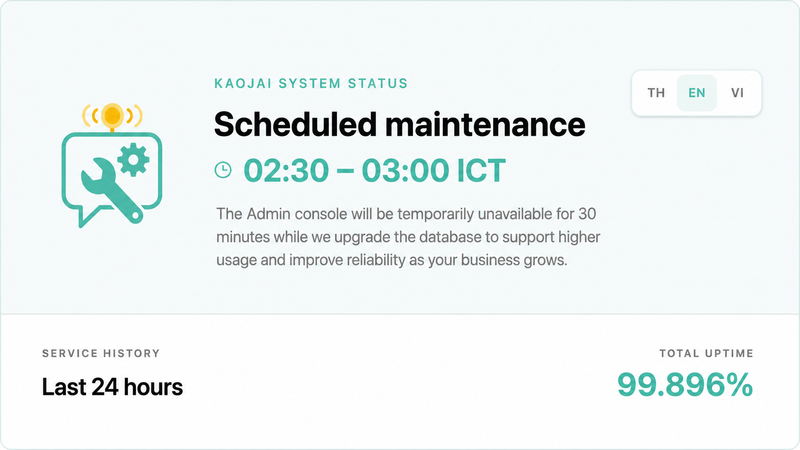
KaoJai.ai is taking a planned 30-minute maintenance window to upgrade the database, strengthen reliability, and prepare to welcome more businesses and users around the world.
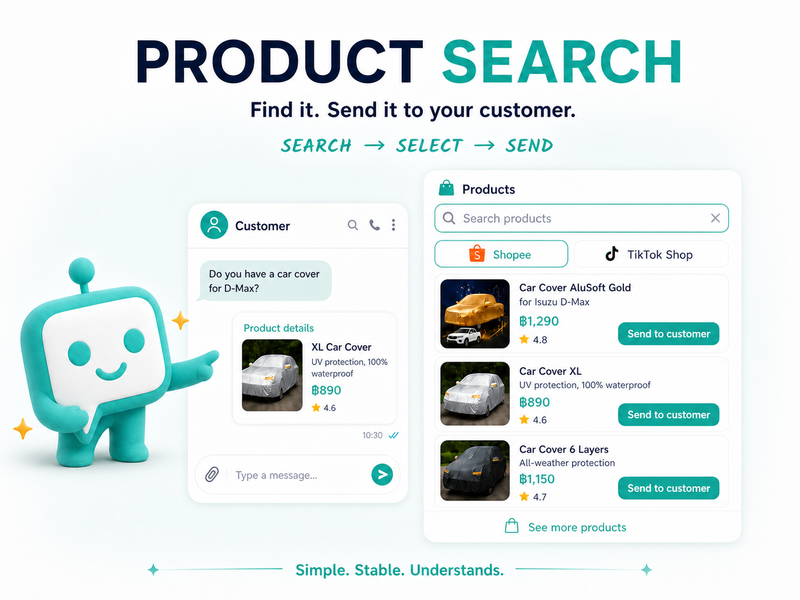
Search products from connected stores such as Shopee and TikTok Shop in one chat, choose the right item, and send its details to your customer without repeated screen switching.
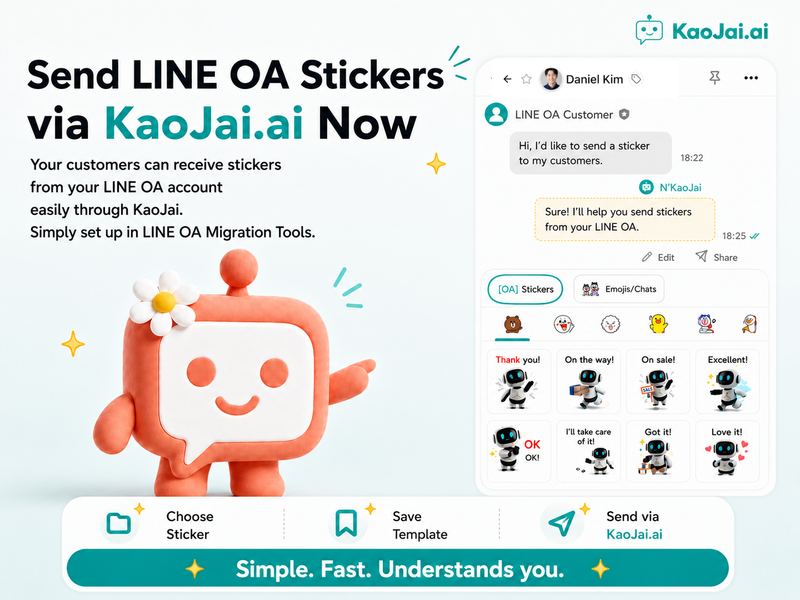
Bring sticker collections already available in your business's LINE OA account into KaoJai.ai, save only what your team needs, and send from one inbox.
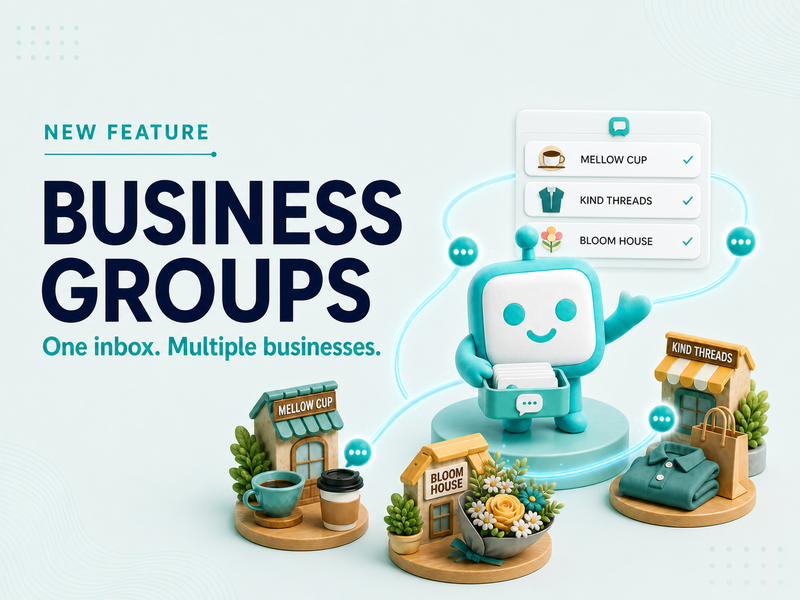
Group eligible businesses with drag-and-drop setup, see chats from every business in one Unified Inbox, and keep individual tenant control when needed.
How to check and disable another provider in LINE Official Account Manager when an Extension lets KaoJai receive messages but prevents replies
The new KaoJai wallpaper pack has been released.
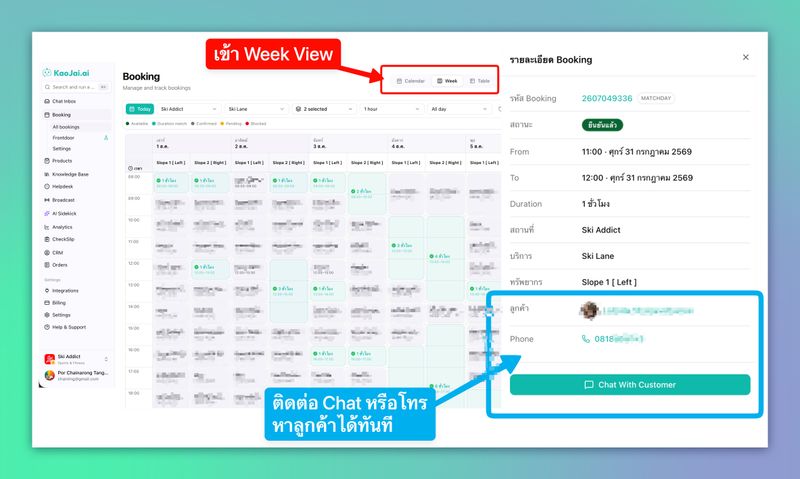
See how KaoJai.ai Week View brings availability, bookings, and customer details together, then lets the team continue through Unified Inbox and AI Chatbot.
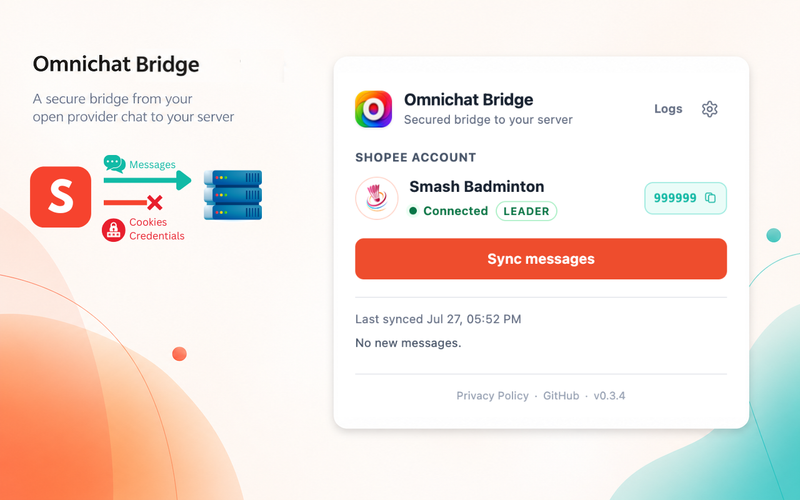
Omnichat Bridge hiện hỗ trợ LINE và Shopee: gửi LINE OA Stickers từ KaoJai Inbox và kết nối Shopee Seller Chat với hướng dẫn thiết lập.
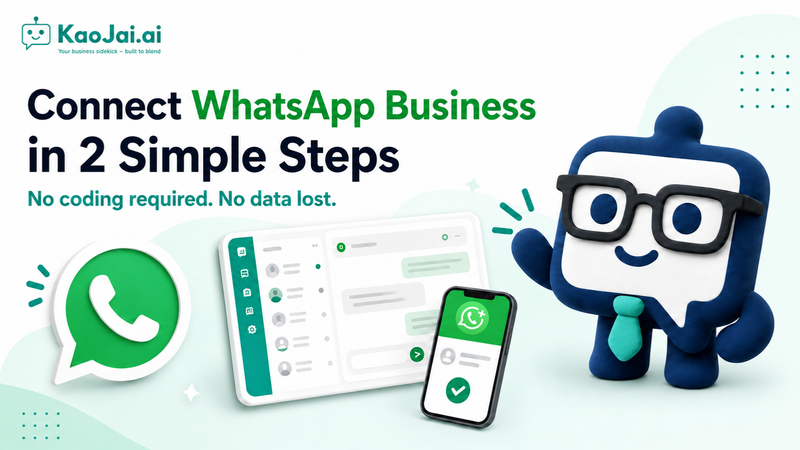
A step-by-step guide to connecting an existing WhatsApp number to KaoJai.ai through WhatsApp Business and Meta.
Watch a live demo of how KaoJai.ai Unified Inbox brings connected customer conversations into one workspace for the team.
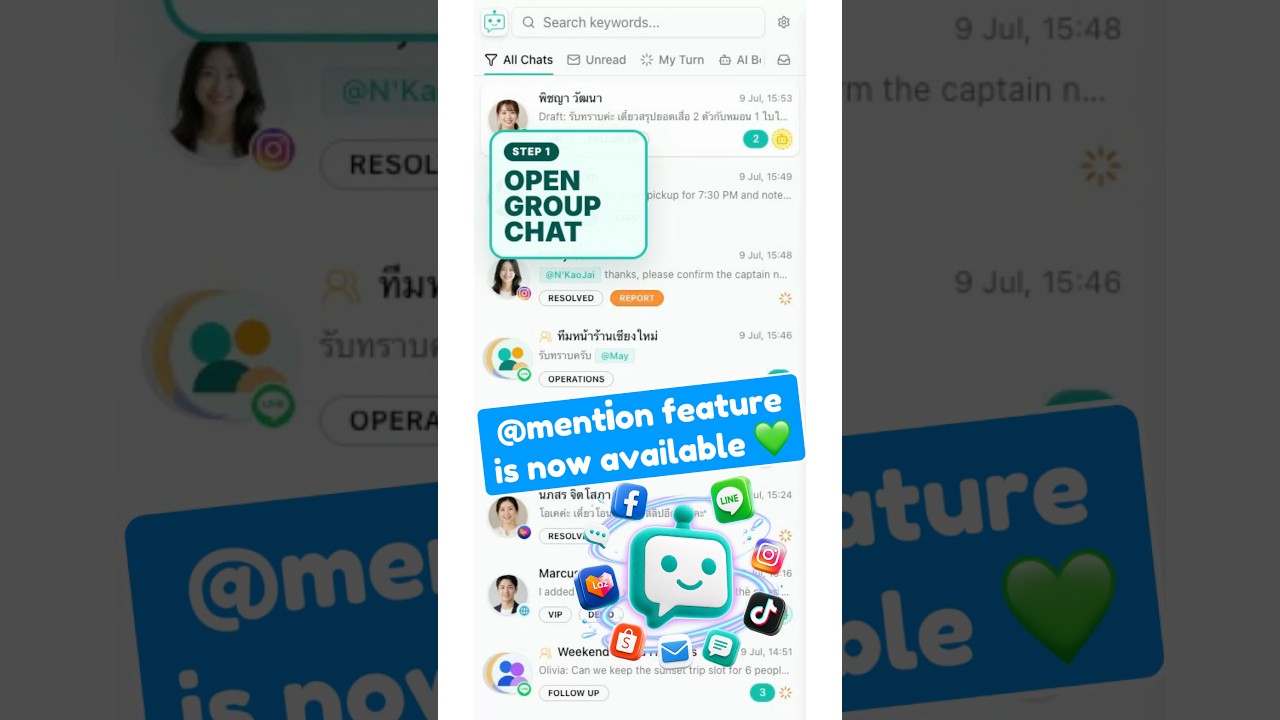
Watch a live demo of typing @ to mention a member in a LINE group reply from the KaoJai.ai Unified Inbox.
Giúp KaoJai.ai học từ doanh nghiệp thật tại Việt Nam và đưa quy trình Zalo Official Account vào unified inbox, AI chatbot, booking, CRM, helpdesk và các kênh khách hàng khác mà KaoJai đang hỗ trợ.
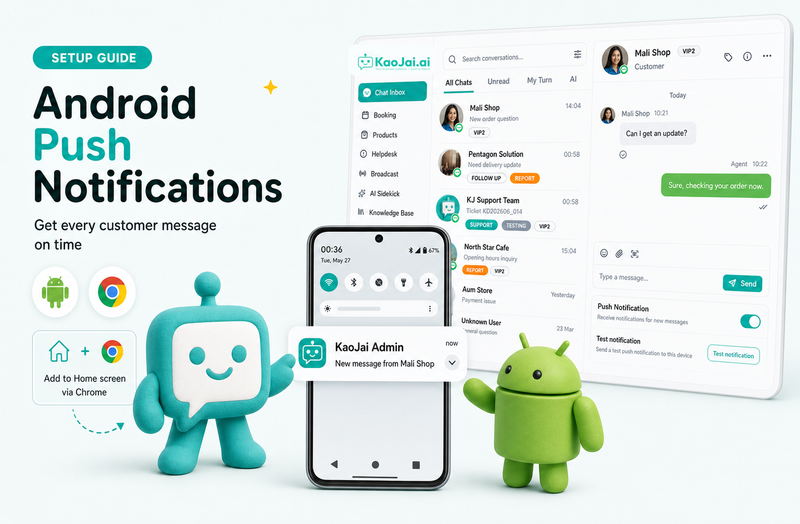
A simple Android setup guide for receiving notifications from KaoJai Admin by opening it in Google Chrome, adding it to the phone home screen, and turning on Push Notification in the app.
Frontdoor by KaoJai.ai is a white-label customer page where businesses can present services, accept bookings, start chats, and build direct customer relationships.
A practical comparison of Zaapi and KaoJai.ai for teams evaluating unified inbox, AI chatbot, booking, helpdesk tickets, Frontdoor, AI Sidekick, CheckSlip, and business workflows.
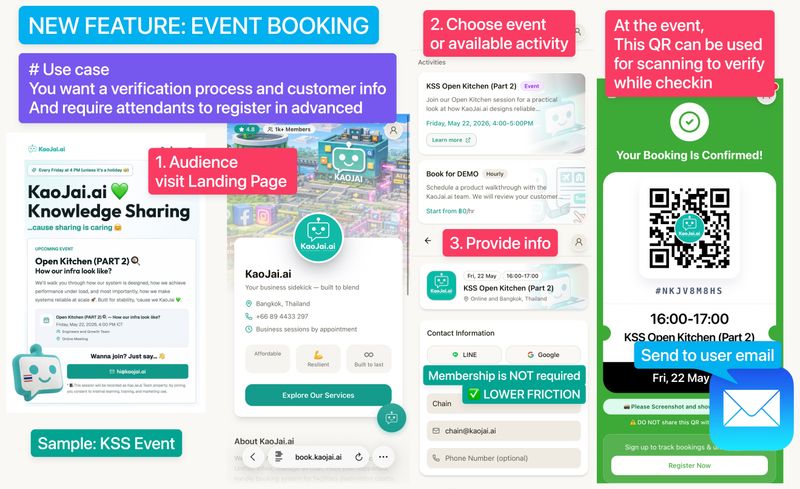
Manage appointments and Event Booking easily with Frontdoor. Suitable for bookings with clear date, time, and capacity, separate from regular resource booking.
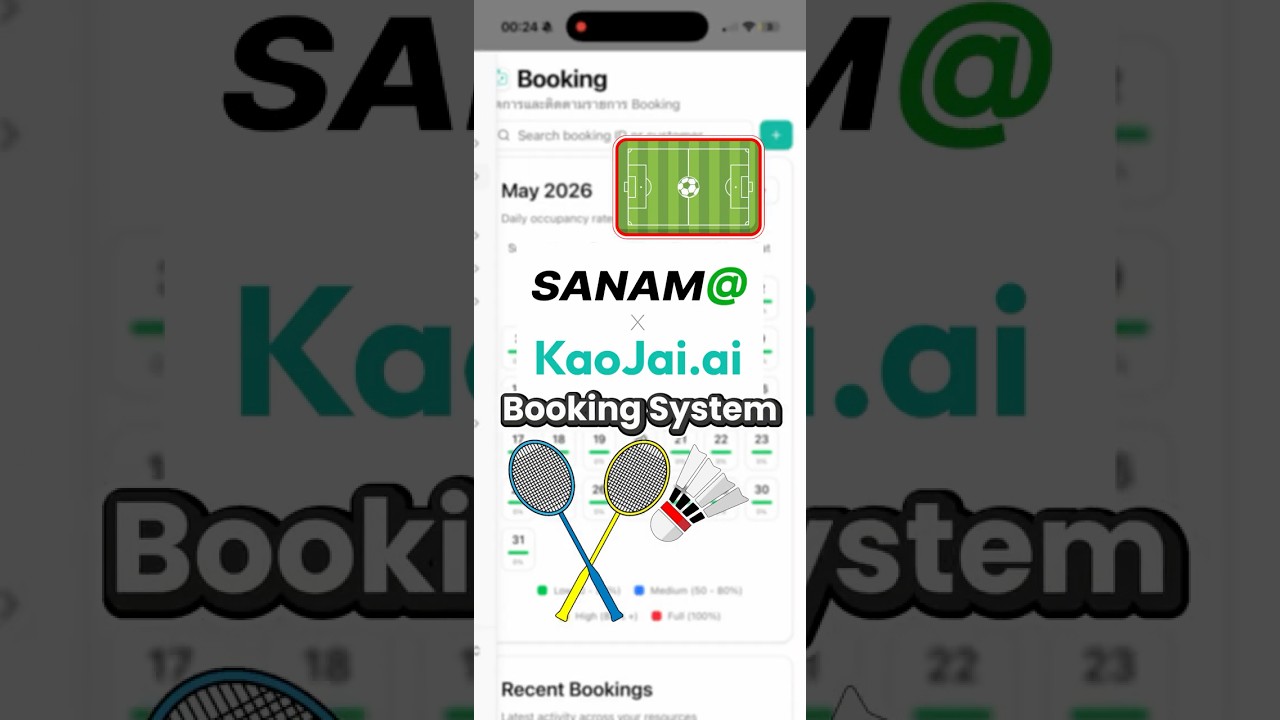
Watch a live demo of the KaoJai.ai and SANAM@ collaboration for booking management with an AI Chatbot.
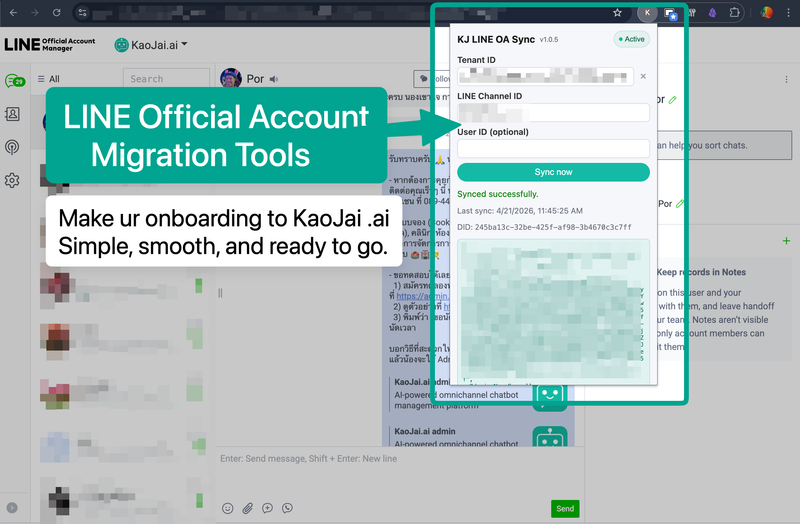
A KaoJai.ai service and Chrome Extension that helps sync LINE OA setup data, including customer names, labels, and preset replies, so teams can start faster.
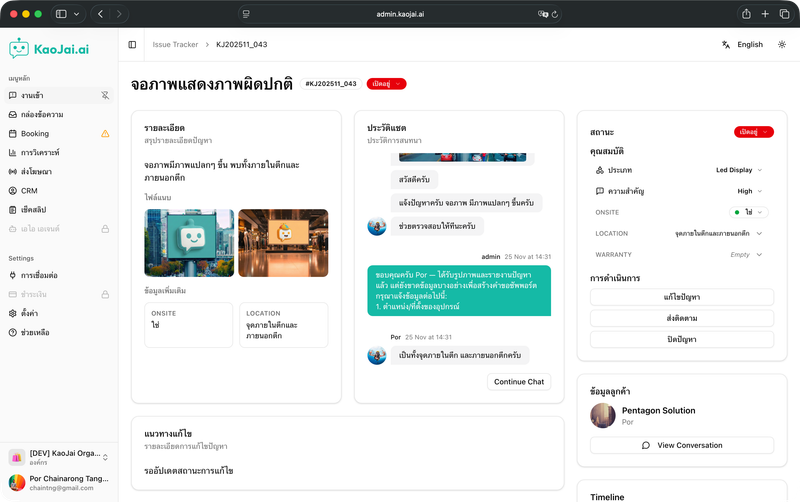
KaoJai.ai helps track customer support issues with an AI helpdesk that receives, triages, prioritizes, replies to customers, and routes work to teams in one workflow.
Introducing KaoJai.ai Live Chat Widget, free for every tenant, installable on your website, and managed inside the same Unified Inbox.
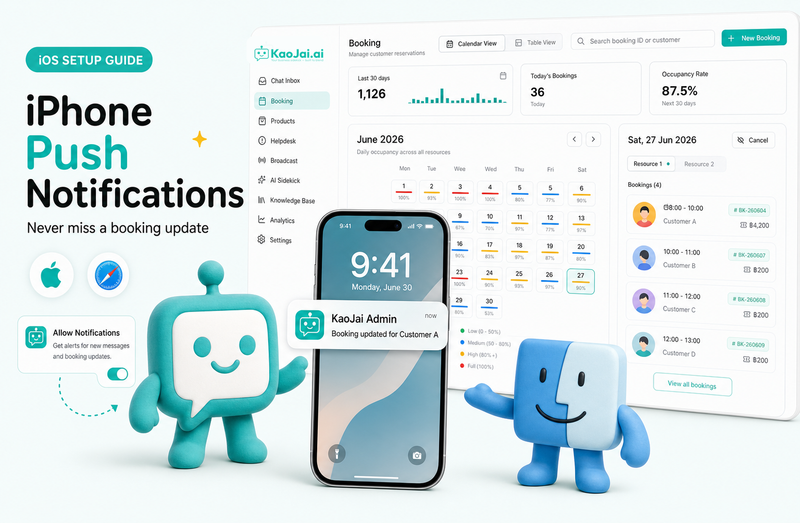
Step-by-step instructions for enabling Push Notification for iPhone
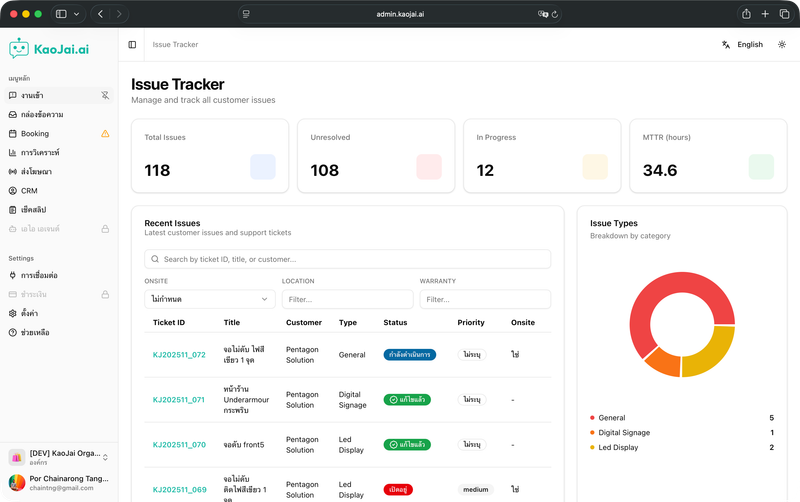
A natural-language issue intake system with AI follow-up questions, dashboard, case management, and real-time status tracking.
Get to know KaoJai.ai's vision and the team behind it, including our approach to stability, security, and startup growth.
KaoJai.ai demo with screenshots across every view, from chat room to analytics dashboard.
Watch the Let Me Reply ad and learn who KaoJai.ai is, with highlights of the Chat Module and automated reply system.
Watch The Teal Beam video and learn who KaoJai.ai is, what makes the Check Slip Module useful, and the latest fake slip fraud insights.
KaoJai.ai integrates with MatchDay, a sports venue booking system, to help badminton courts, football fields, fitness venues, and other sports businesses operate more easily.
What KaoJai.ai AI Chatbot is, how it differs from ordinary bots, and why businesses should use it.
What KaoJai.ai AI Chatbot is, how it differs from ordinary bots, and why businesses should use it.
Simple steps to connect our service with LINE and receive notifications.
Learn how fake transfer slip scams work and the damage they can cause.
Behind the scenes of a high-accuracy fake transfer slip verification system.