Pay for Your KaoJai Plan with Credit Card or PromptPay
Managing your business should feel simple—including managing the tools your team relies on every day.
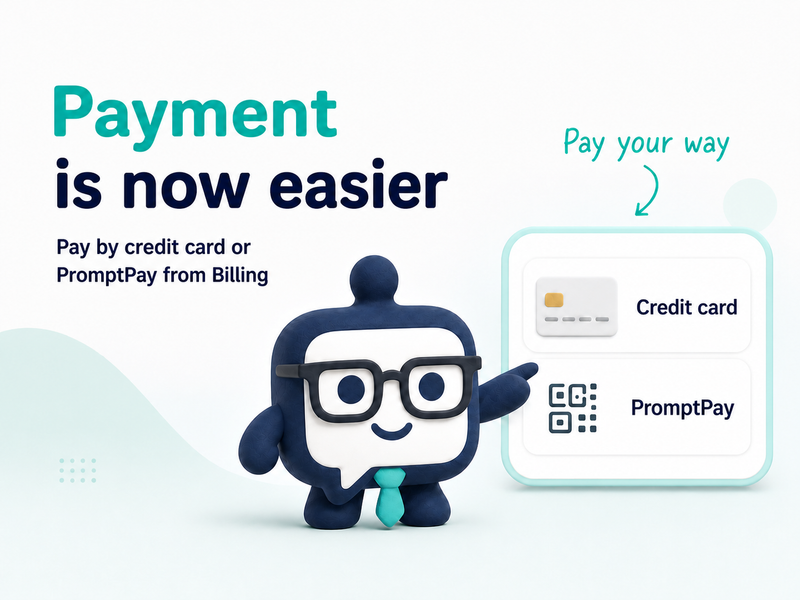
You can now start payment directly from the Billing page in the KaoJai Admin Console when subscribing to or upgrading a supported plan. Choose the payment method that works best for your business: credit card or PromptPay.
What’s new?
Pay with a credit card
Choose Credit card during checkout to continue to secure card checkout. Your payment will be processed immediately, and your subscription can renew automatically according to your selected billing period.
Pay with PromptPay
Choose PromptPay to open a QR payment flow inside KaoJai. Scan the QR code with your banking app, complete the payment, and KaoJai will update your plan after the payment is confirmed.
Continue pending payments
If you close or interrupt a payment before it finishes, return to the Billing page to continue an available pending checkout or invoice. This helps prevent duplicate subscription attempts and makes it easier to complete payment without starting over.
How to pay from KaoJai Admin
- Open the KaoJai Admin Console.
- Select your workspace and open Billing.
- Choose the available plan and billing period.
- Select Credit card or PromptPay.
- Confirm your billing details, including your billing name, email, address, and optional Tax ID.
- Complete the payment and wait for confirmation.
VAT is calculated and added during checkout.
Which payment method should you choose?
| Payment method | How it works | Best for |
|---|---|---|
| Credit card | Opens secure card checkout and supports automatic renewal | Businesses that prefer automatic subscription payments |
| PromptPay | Displays a QR code inside KaoJai for payment through a banking app | Businesses that prefer PromptPay or need to pay an eligible invoice |
What happens after payment?
After the payment provider confirms the transaction, KaoJai updates your subscription status and makes the selected plan available.
You can continue using the Billing page to review:
- Your current plan
- Billing period
- Invoice history
- Payment status
- Invoice and receipt links
For PromptPay payments, confirmation may take a short moment. If the payment is still being processed, check the payment status again from the Billing page.
Frequently asked questions
Where can I pay, and which methods are supported?
Open the KaoJai Admin Console, select your workspace, and go to Billing. You can choose credit card or PromptPay.
Can I pay an invoice with PromptPay?
Eligible invoices can be paid with PromptPay from the Billing page.
What happens if payment is interrupted or not confirmed?
Return to Billing and continue the pending checkout or eligible invoice when it is still available. If the status is still processing, check again after a short wait or contact KaoJai Support.
Ready to continue?
When you are ready to subscribe or upgrade, open Billing in KaoJai Admin and choose the payment method that fits your business.
KaoJai helps your team manage customer operations simply, reliably, and with better context.
Keywords: KaoJai billing, payment support, credit card subscription, PromptPay, plan upgrade