Changelog 2026-10-06
Release summary: Customize your KaoJai case board and Customer avatars are now shown consistently on Kanban cards.
Bài viết từ KaoJai.ai về AI chatbot, unified inbox, helpdesk, booking, CRM và các quy trình hỗ trợ khách hàng thực tế cho doanh nghiệp.
Release summary: Customize your KaoJai case board and Customer avatars are now shown consistently on Kanban cards.
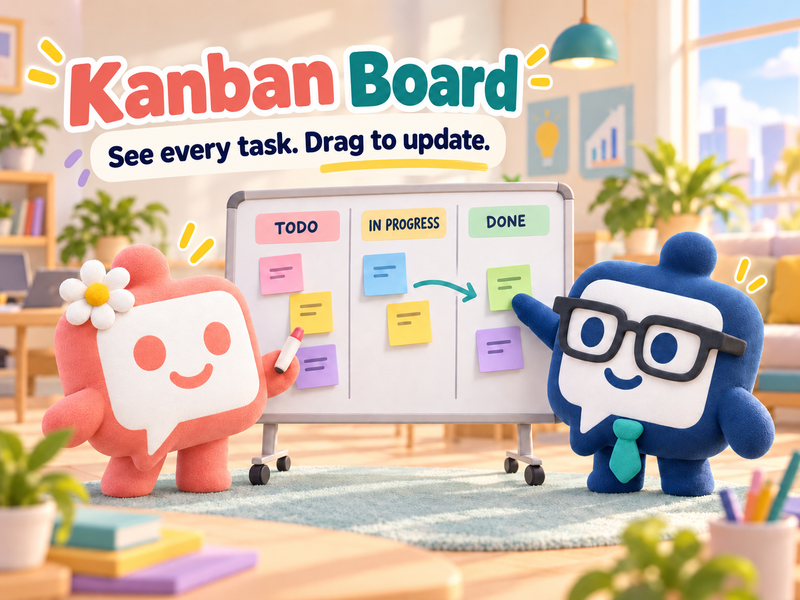
See new tasks, work in progress, and cases waiting for customers with KaoJai's Kanban Board. Filter your work and share a view with your team.
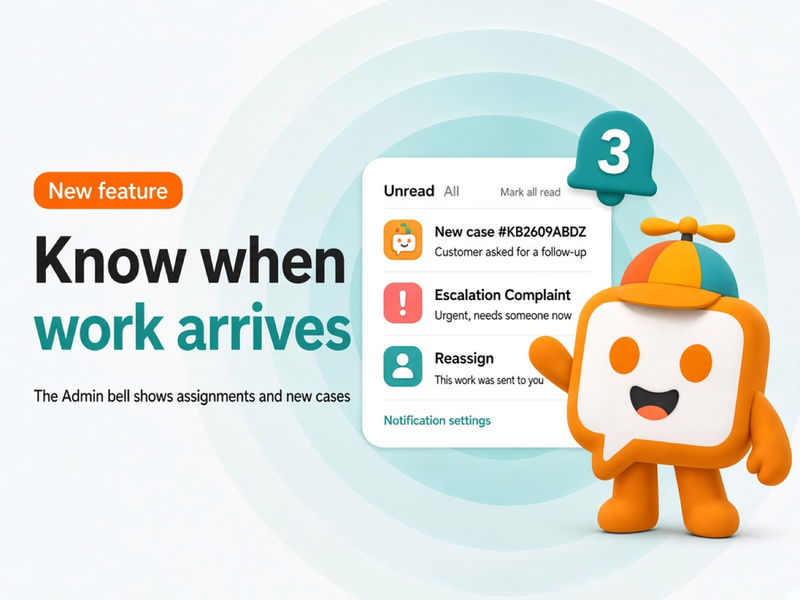
The KaoJai Admin bell collects assignments and new cases in one place. Open an item to jump to the work, and choose which alerts should also push to your device.
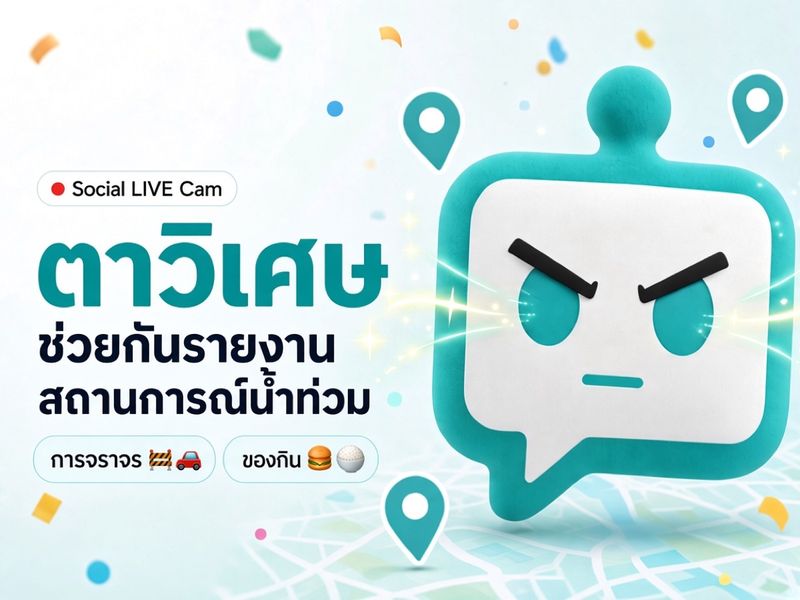
Magic Eyes is a KaoJai.ai side project that lets people in Bangkok report floods, traffic, and open food spots through the Instagram, Facebook, or LINE they already use, then shows everything on a live map at live.kaojai.ai.
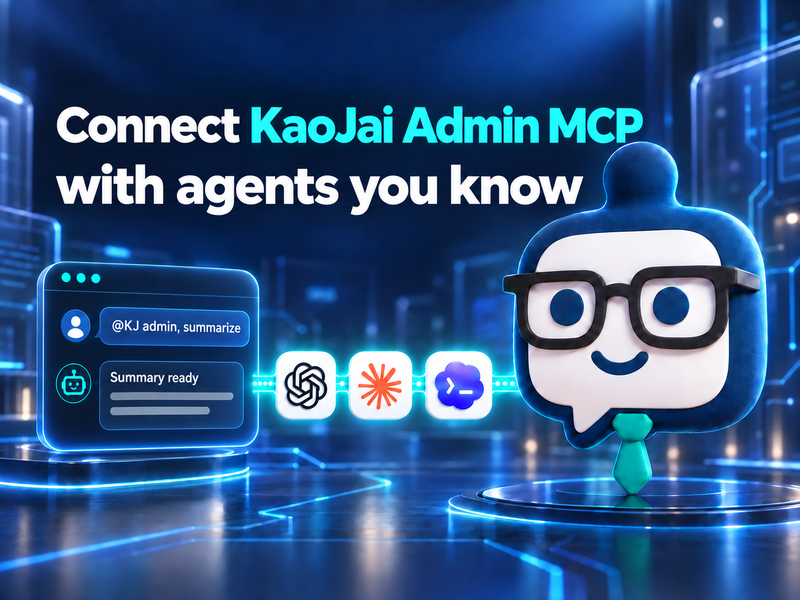
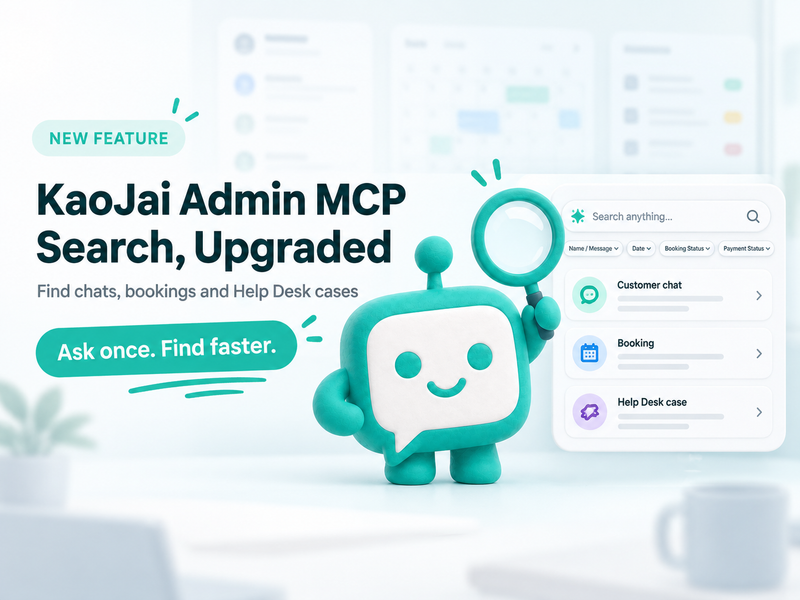
Connect KaoJai Admin MCP to ChatGPT, Claude, and Codex with a Starter plan or higher.
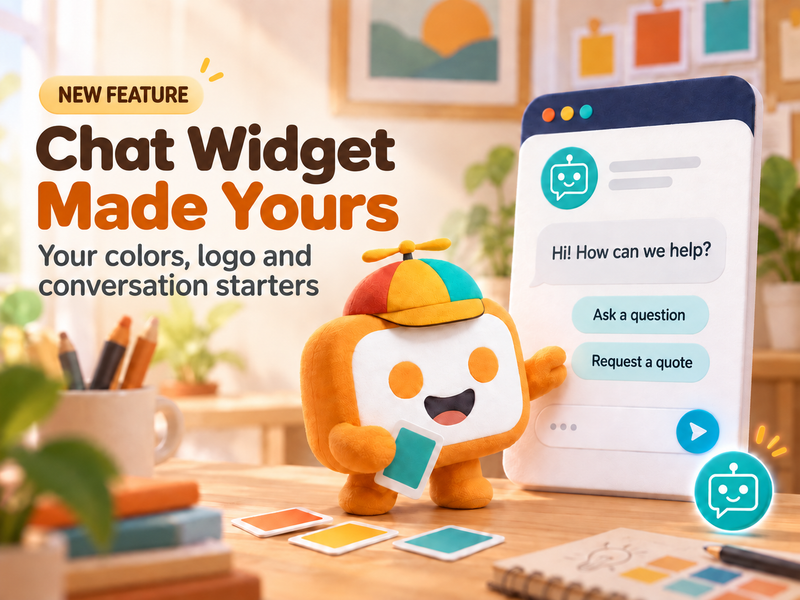
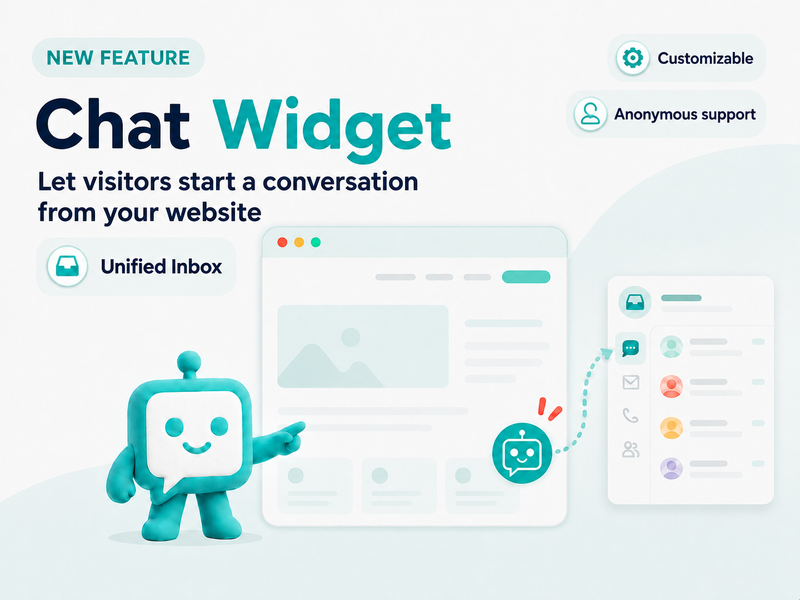
KaoJai.ai Chat Widget now lets you customize the title, subtitle, hover message, color, logo, starter keywords, allowed domains, preview, and setup code.
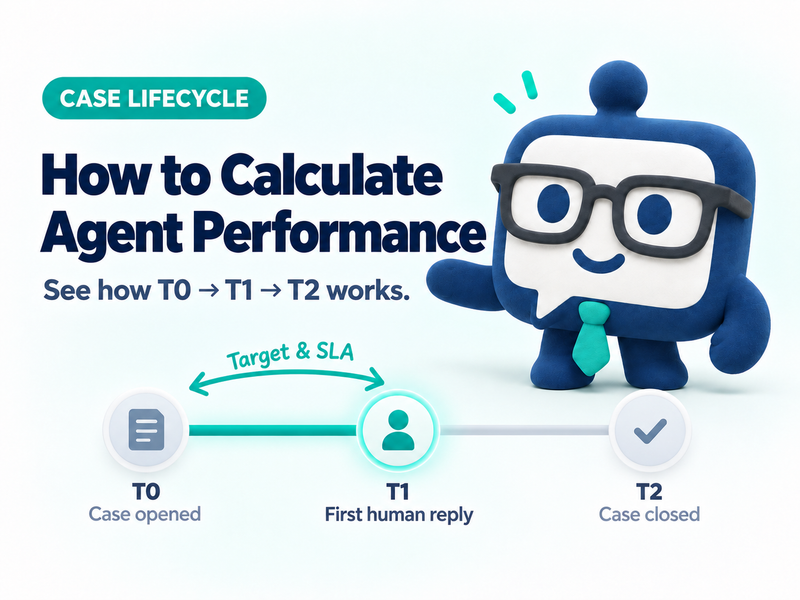
Case open is T0. The first human reply is T1A. The bot is T1B. Close is T2. Target and SLA count business hours from T0 to T1A, not time to close.
KaoJai Admin MCP can search conversations, booking summaries, and Help Desk cases in the selected workspace, helping teams find operational context through AI.
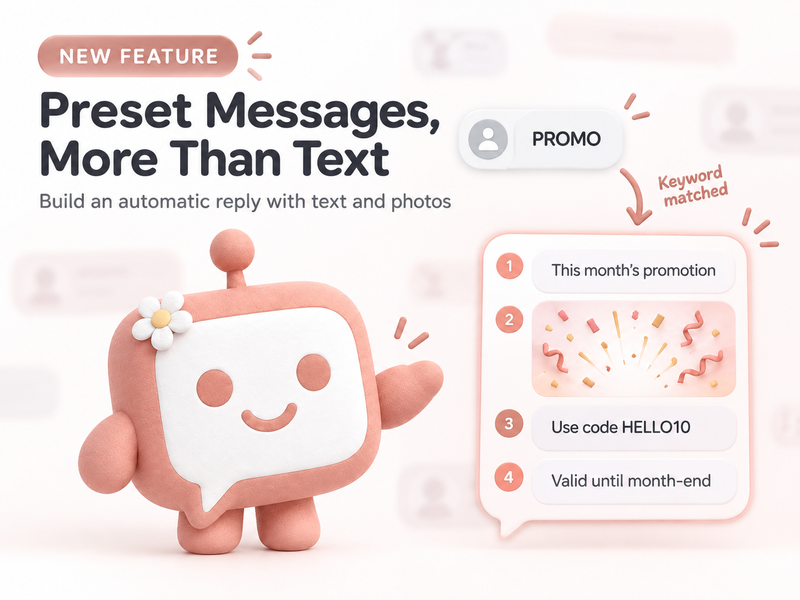
Build Preset Messages with up to four ordered text and photo items, then use question-style titles to contribute clearer AI training data for your team.
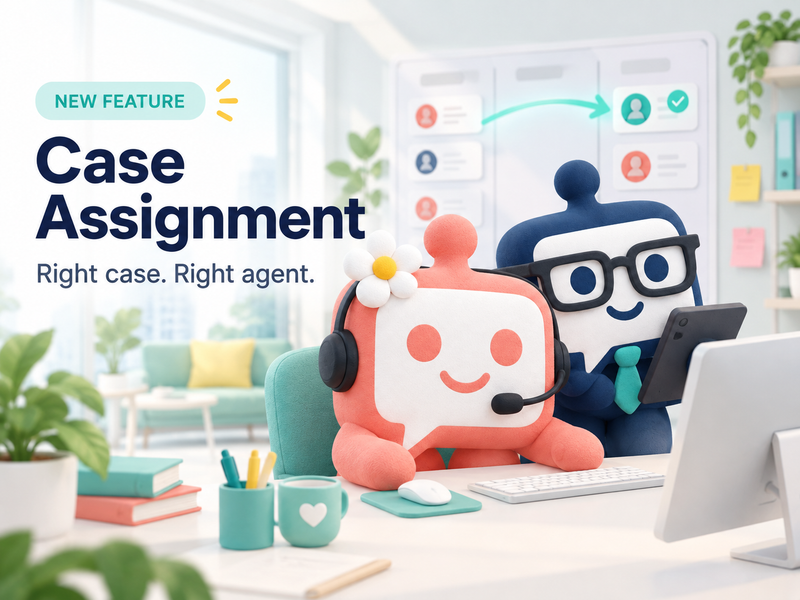
Learn how Case Assignment turns customer chats into owned, trackable cases with manual creation, automatic case creation, automatic assignment, team managers, check-in controls, and team performance reporting.
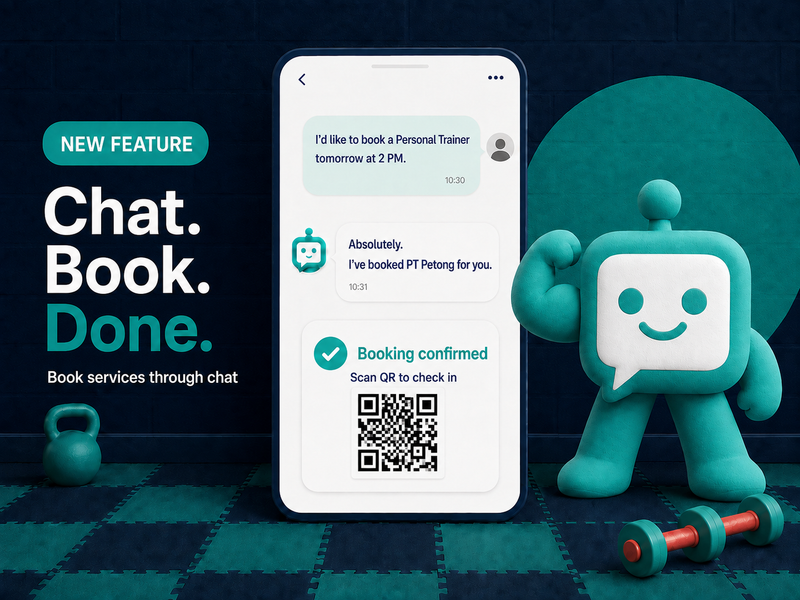
A new KaoJai.ai feature lets customers ask, choose a time, and create a booking through chat—then continue through Frontdoor, a flexible storefront built around how each business wants customers to book.
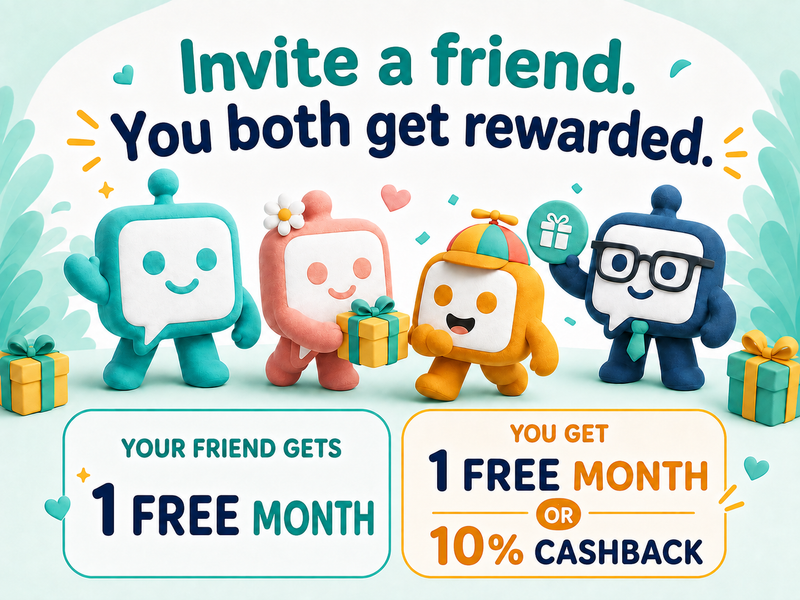
KaoJai.ai is opening its Referral Rewards program for referrers, new businesses, and approved affiliates.
Create a Chat Widget in Integrations, copy its setup code, and add it to your website so messages arrive in your Unified Inbox.