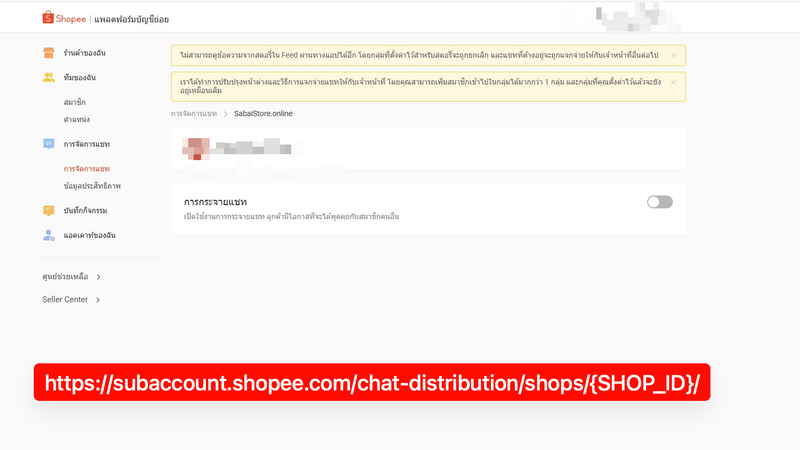
How to disable Shopee chat distribution and unlink your shop
Turn off Shopee shop chat distribution, unlink a shop from the Sub-account Platform, and verify that the warning banner disappears before using Omnichat.
- tutorials
- shopee
- omnichat
- inbox
Learn KaoJai.ai features and workflows through short, practical examples you can follow.
Turn off Shopee shop chat distribution, unlink a shop from the Sub-account Platform, and verify that the warning banner disappears before using Omnichat.
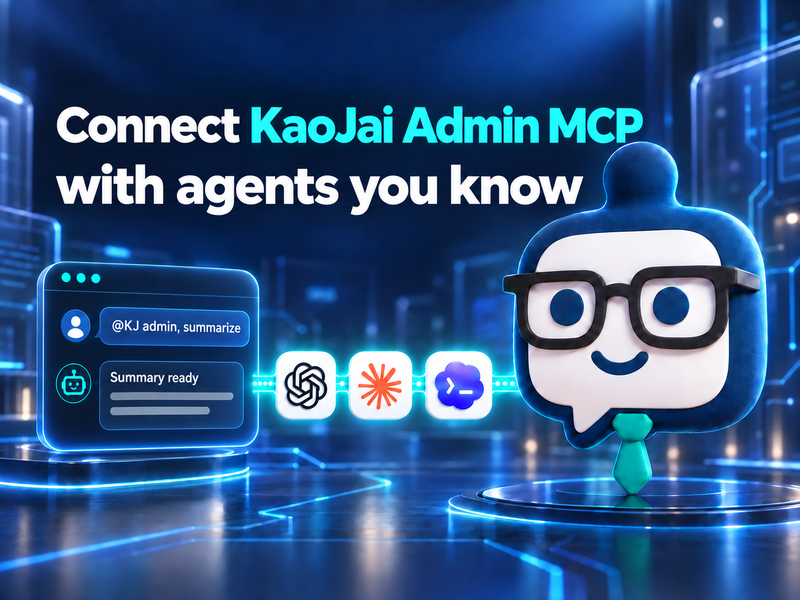
Connect KaoJai Admin MCP to ChatGPT, Claude, and Codex with a Starter plan or higher.
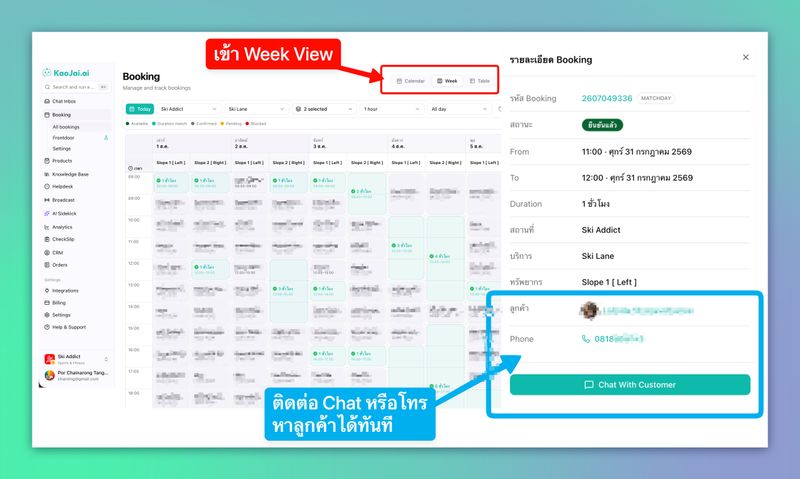
See how KaoJai.ai Week View brings availability, bookings, and customer details together, then lets the team continue through Unified Inbox and AI Chatbot.
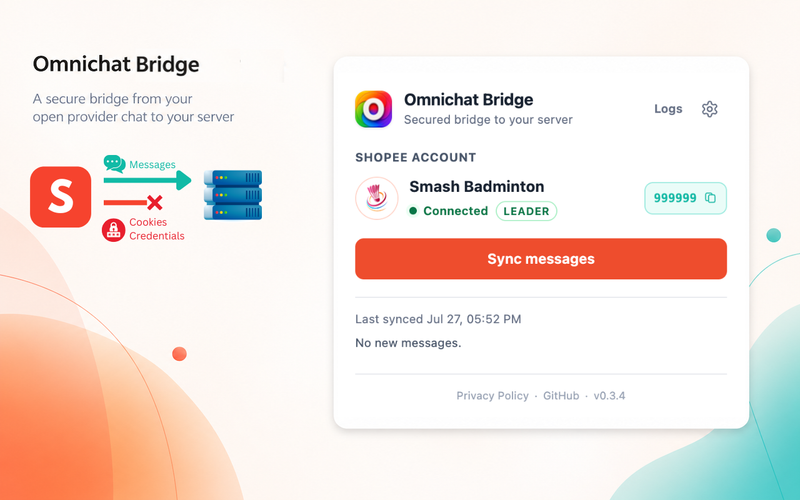
Omnichat Bridge currently supports LINE and Shopee. Send LINE OA Stickers from KaoJai Inbox and connect Shopee Seller Chat with this setup guide.
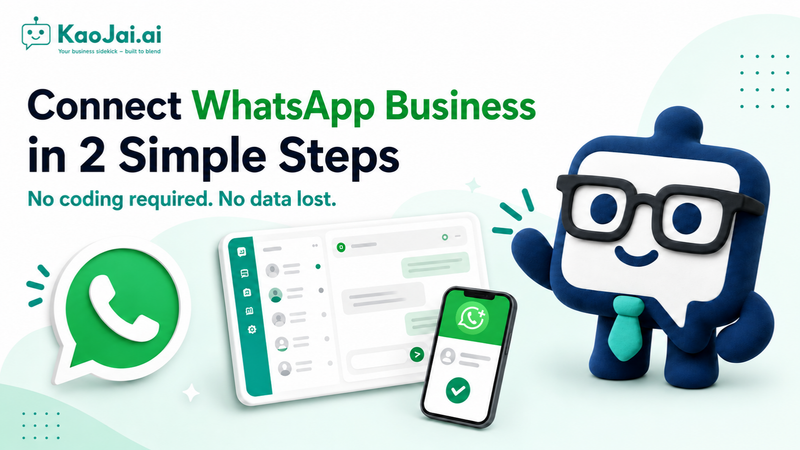
A step-by-step guide to connecting an existing WhatsApp number to KaoJai.ai through WhatsApp Business and Meta.
Watch a live demo of how KaoJai.ai Unified Inbox brings connected customer conversations into one workspace for the team.
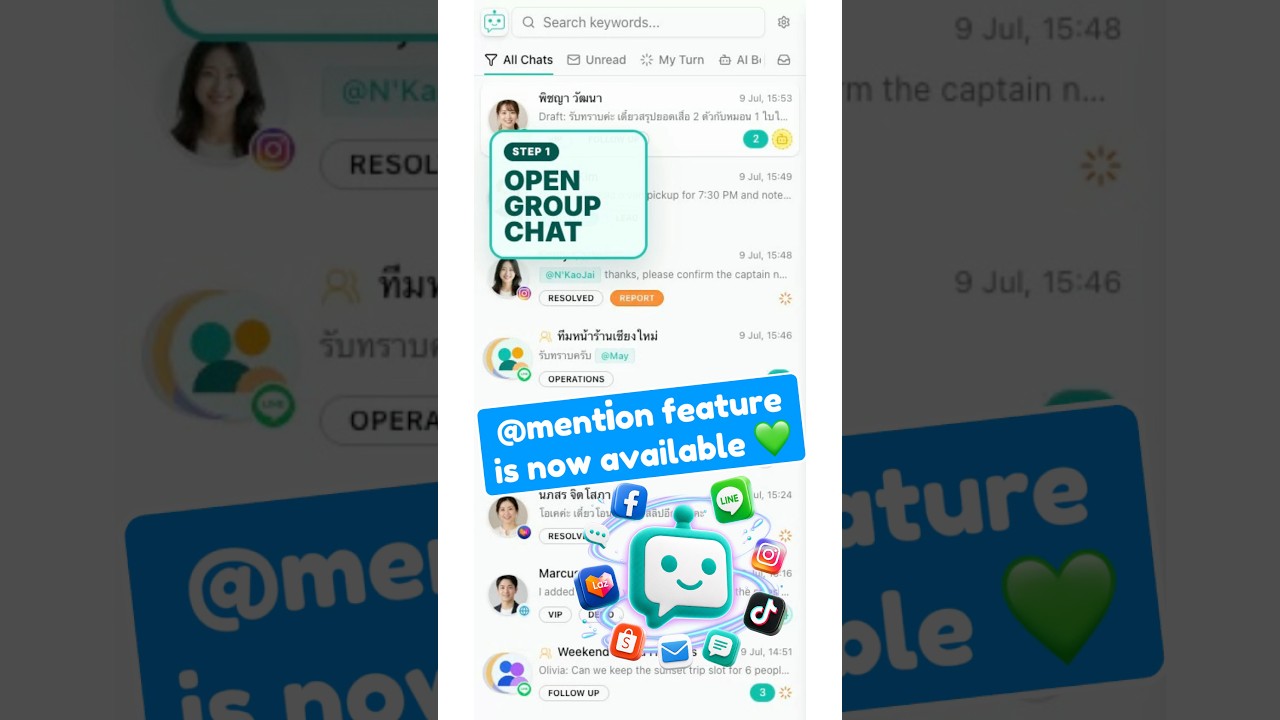
Watch a live demo of typing @ to mention a member in a LINE group reply from the KaoJai.ai Unified Inbox.
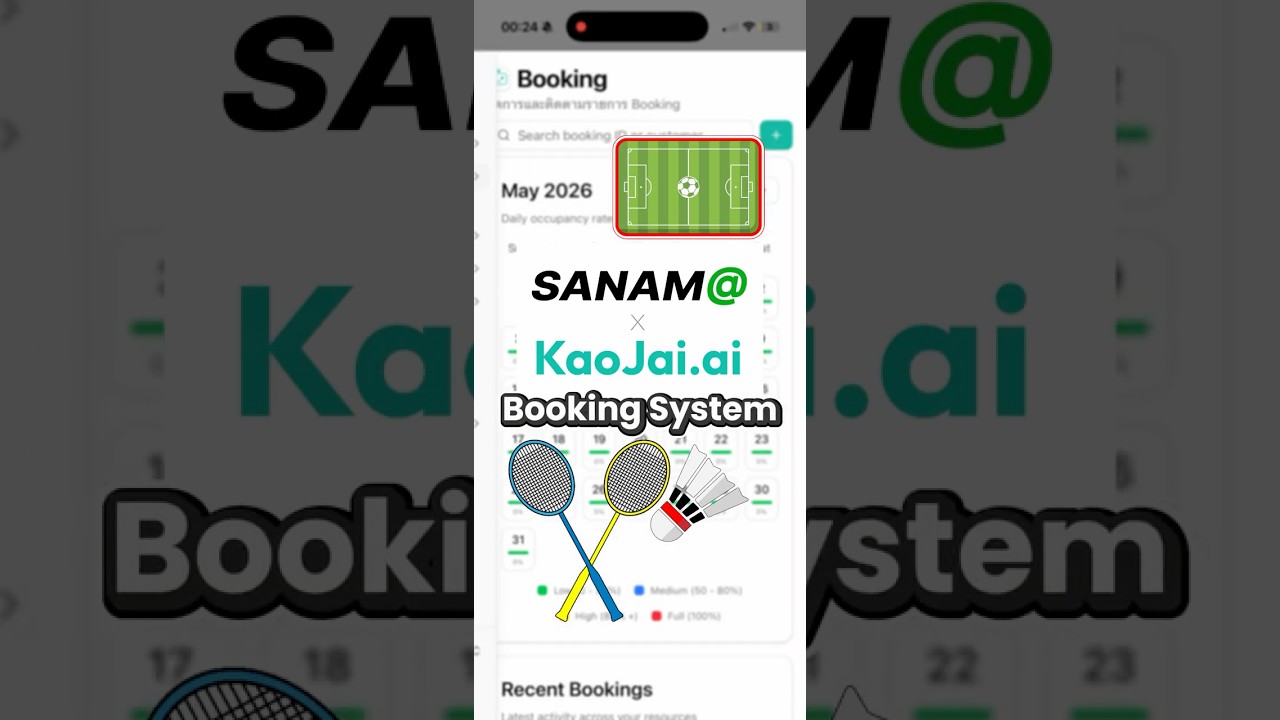
Watch a live demo of the KaoJai.ai and SANAM@ collaboration for booking management with an AI Chatbot.
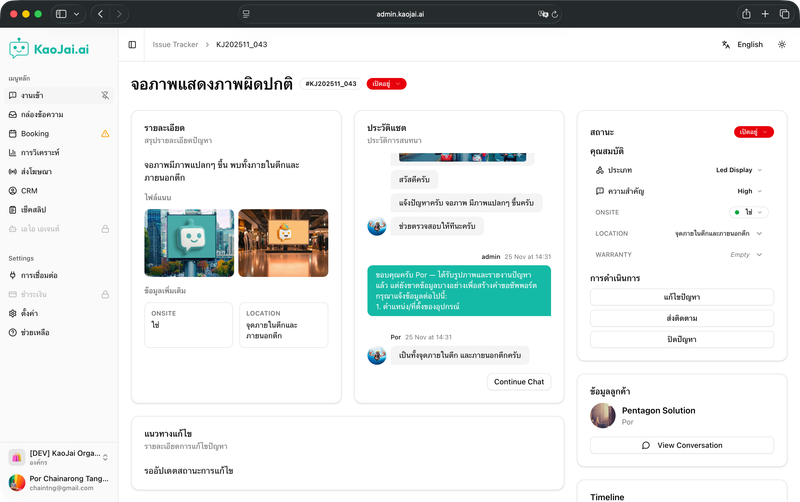
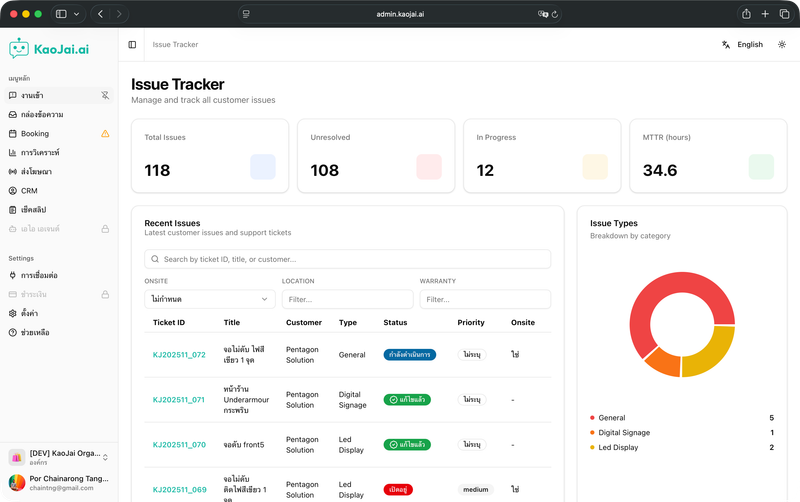
KaoJai.ai helps track customer support issues with an AI helpdesk that receives, triages, prioritizes, replies to customers, and routes work to teams in one workflow.
A natural-language issue intake system with AI follow-up questions, dashboard, case management, and real-time status tracking.