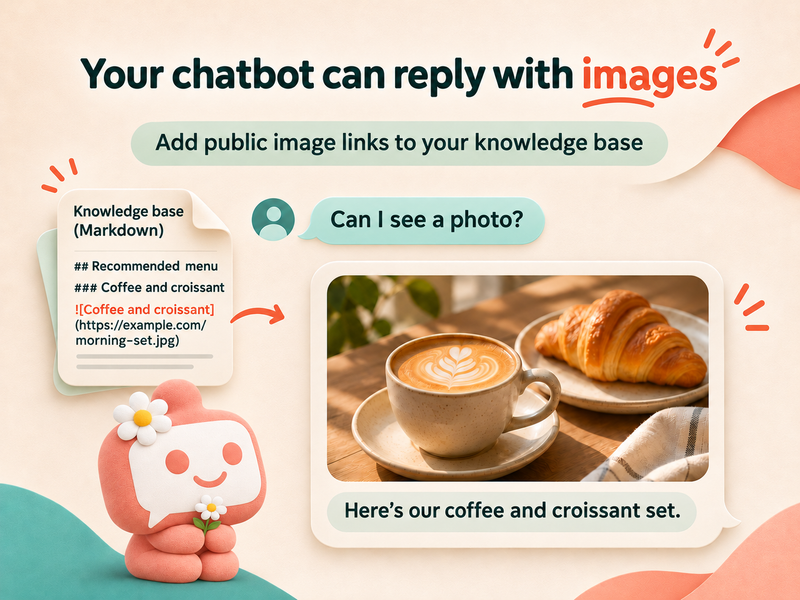
A customer asks, “Can I see a photo?” Your chatbot sends back a long URL. The customer has to open it themselves—and may still wonder whether it shows the item they asked about.
KaoJai.ai chatbots can now send images found in your knowledge content when those images help answer a customer’s question. AI decides which images are relevant and whether to include accompanying text.
How to prepare your content
Place a publicly accessible image link close to the information it illustrates, and describe what the image shows. Markdown is recommended because it keeps the image description and URL together:
## Morning coffee set
This set includes a hot coffee and a croissant, ideal for breakfast.

The URL above is an example. Replace it with a real image URL for your business. When a customer asks, “Can I see the morning coffee set?”, AI can use the retrieved content to select a relevant image reply.
If you have several images, describe each one separately. Include details such as the colour, model, or step shown to help AI distinguish them.
Which links should you use?
Use a direct HTTPS image URL that opens without signing in, such as an image hosted on your website or public business file storage. Test the link in a browser window where you are not logged in before adding it.
A social post or product-page link may open a web page containing an image rather than the image itself. Use the image file’s direct URL and avoid temporary links that expire.
Keep each image with its context
Product photos, instructions, maps, and examples of your work should sit alongside the descriptions they belong to. Avoid collecting unrelated URLs into an unlabelled list, and only use images your business has permission to share.
AI does not need to send an image in every reply. If text answers the question clearly, it may choose a text-only response. Delivery and display also depend on the formats supported by the destination channel.
Try it before using it with customers
Update your knowledge content, wait for indexing to finish, and test in Playground using questions customers would actually ask. For example: “Can I see the green one?” or “What does this step look like?” Check that the selected image matches the question and opens correctly.
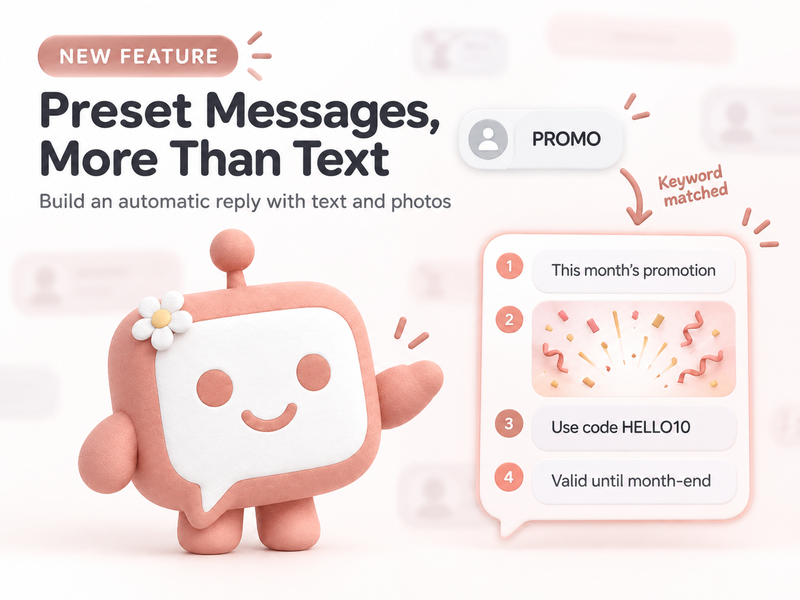
If your team wants to prepare replies with a fixed sequence of text and photos, read our guide to Preset Messages with text and photos.
Start with one image customers often ask for. Add its description and public URL together, then let AI help turn that information into a clearer reply. 💚