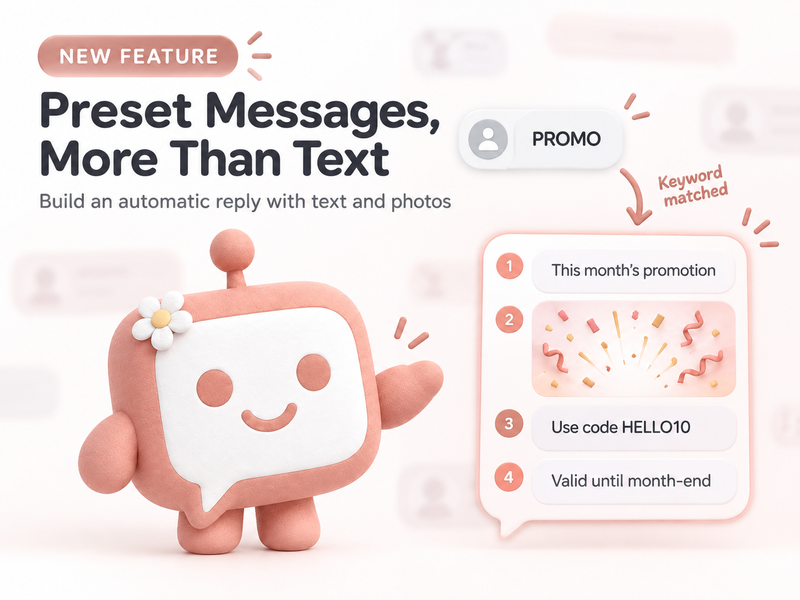
“What is the price?”, “Do you offer free shipping?”, “What time do you open?”, and “Which days can I book?” are questions admin teams see so often that they can remember them by heart. Even so, every message still requires someone to open the chat, read the context, and type the answer again.
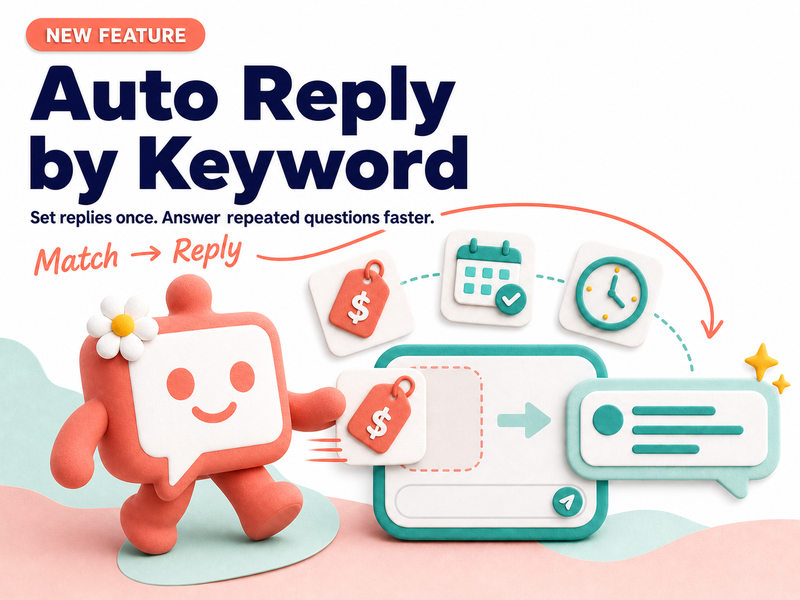
Auto Reply by Keyword lets a business prepare automatic replies based on words or phrases customers often use. When an incoming message matches the conditions, the system can send the prepared reply faster. Customers receive basic information sooner, while the team can step in when the conversation needs more help.
This article looks at what Auto Reply by Keyword is good for, how it differs from an AI chatbot, and how to create rules that feel helpful instead of like context-free canned messages.
What is Auto Reply by Keyword?
Simply put, it is a rule that treats certain groups of words as a starting signal for an automatic reply. When a customer uses words related to pricing, the system can send the price information prepared by the team. When a customer asks about booking, it can guide them to the next relevant step.
The strength of this approach is that it is consistent and predictable. The team chooses the trigger words, writes the reply, and decides which situations should be passed to an admin.
Examples of matching questions with replies
| Words or phrases a customer may use | What the customer likely wants | Suggested automatic reply |
|---|---|---|
| Price, how much, service fee | The price and conditions | Send a short price summary and invite the customer to ask for more details |
| Free shipping, shipping fee, delivery | Delivery cost and service area | Explain the current delivery conditions and point to ordering or a follow-up question |
| Book a slot, any availability, appointment | Available times and booking steps | Share the basic steps and guide the customer to the booking channel or team |
| Address, opening hours, contact | Basic business information | Provide verified details and say when the team is available to help |
These examples are starting points for designing rules. The actual setup should be adjusted to each channel and business workflow.
Why businesses should use Auto Reply by Keyword
1. Spend less time on repeated questions
When the team spends most of its time replying to basic information requests, work that needs real understanding — such as product exchanges, special customer conditions, or issues requiring several teams — keeps getting delayed.
Letting the system handle the first response gives the team more time for conversations that deserve personal attention.
2. Keep basic replies consistent
Information about prices, opening hours, or booking steps should not change depending on who is on shift. A shared prepared message reduces variation and gives the team the same starting point.
3. Reply even when the team is busy
During a campaign or a sudden wave of incoming messages, customers can at least receive basic information sooner, even when the team still needs to follow up with more detail.
How is Auto Reply by Keyword different from an AI chatbot?
Both can reduce the amount of manual chat work, but they fit different situations.
| Reply method | Best for | Strength | What to watch for |
|---|---|---|---|
| Auto Reply by Keyword | Repeated questions that need a predictable prepared message | Easy to set up, predictable, and simple to update | A broad keyword may trigger a reply that does not match the customer’s intent |
| AI chatbot | Questions phrased in many ways that need more context | Handles varied wording and can continue a conversation | The scope, knowledge, and handoff path need to be defined clearly |
| Admin team | Complex, sensitive, or exceptional cases | Uses judgment and human understanding | Requires enough time and information to respond well |
A business does not always have to choose only one approach. It can use Keyword Reply for the first layer, an AI chatbot for conversations that need more understanding, and the team for important cases.
Five principles for natural automatic replies
1. Use words customers really type
Do not design rules only from internal team terminology. Customers may write “How much is shipping?”, “Can you deliver?”, or “Is shipping free?” to express a similar intent. Collect real customer language before creating the rule.
2. One main intent per rule
A rule that is too broad may catch several different topics. For example, “book” could mean booking an appointment, reserving a product, or booking a venue. If the answers differ, separate the flows or ask for more information first.
3. Keep it short, but give the customer a next step
The first reply does not need to include everything. It should help the customer know they are in the right place and point to a real next step, such as opening a link, viewing options, or sending more information for the team.
4. Define the handoff boundary
When a message includes a complaint, refund request, incomplete information, or a situation outside the rule, give a person a way to take over. An automatic reply should not be forced to answer everything.
5. Review replies when business information changes
Prices, promotions, opening hours, and delivery terms can change. If the automatic reply is not updated, speed becomes confusion. Assign an owner for the message and set a review schedule.
A flow you can start today
Imagine a shop that receives “Do you offer free shipping?” many times. The team could design a flow like this:
- Create a keyword group related to shipping fees and free shipping.
- Write a short reply that explains the latest conditions without adding uncertain information.
- Give the customer a way to ask about their delivery area or order details.
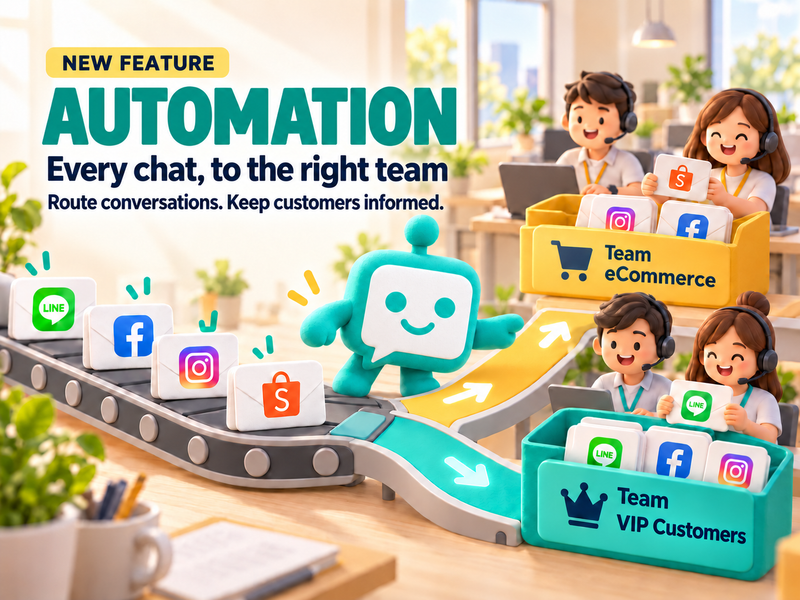
- Pass the conversation to an admin with context when the customer needs a case-specific check.
The goal is not to end the conversation as quickly as possible. It is to help the customer reach the answer sooner and bring in a person when the situation needs understanding.
FAQ: Auto Reply by Keyword
What kinds of businesses are a good fit for Auto Reply by Keyword?
It is useful for businesses that receive repeated questions about prices, delivery fees, opening hours, booking steps, or how to use a service, and want customers to receive consistent basic information.
Will the system reply if the customer does not use the exact keyword?
It depends on the words and conditions the team has configured. Collect the language customers actually use and test similar phrases before expanding the rule. For important topics, always provide a way for the customer to contact the team.
Can Auto Reply by Keyword replace an admin?
The feature is designed to help with predictable questions, not to replace people in every situation. Complex cases, complaints, and exceptions should still have a team member ready to take over.
Conclusion
Auto Reply by Keyword is a simple way to reduce repetitive work: use the words customers actually type, prepare a clear reply, and provide a handoff path when the conversation goes beyond the rule.
Together with KaoJai.ai’s unified inbox and AI, the team can gradually decide what should be answered automatically, where AI should help with understanding, and which cases deserve careful human attention.
Start with one question your team answers every day, then see how faster first replies give the team more time for the customer conversations that matter most — simple, reliable, understanding