
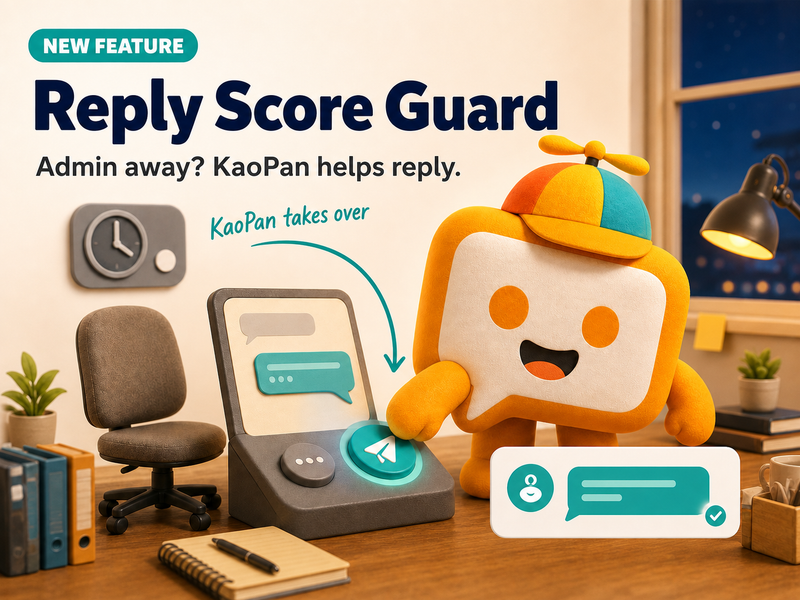
Customers do not message only when the team is ready. A new chat may arrive during a meeting, after business hours, or while an admin is handling several conversations at once. If it sits unanswered for too long, the customer is left waiting and the shop’s reply score on some platforms may be affected.
Reply Score Guard steps in at that moment. When no admin has replied within the configured time, KaoJai automatically sends a preset message prepared by the team. The customer knows the shop has received the message and that a person will continue the conversation.
In simple terms: when the admin is away, KaoPan helps reply first instead of leaving the customer with silence.
What is Reply Score Guard?
Reply Score Guard is an automatic no-response reply rule. The team chooses a preset message, sets the waiting time, and selects which connected accounts should use the rule.
When the quiet period reaches that limit, the system sends the message exactly as configured instead of generating a new AI answer every time. It is best suited to a dependable acknowledgement such as:
We have received your message. Our team may be away right now, but we will get back to you as soon as possible.
A new customer message restarts the timer, so the rule waits from the latest activity instead of using the timing of an older message.
From a quiet chat to a clear acknowledgement
| Situation | Without Reply Score Guard | With Reply Score Guard |
|---|---|---|
| A customer messages while the admin is away | The customer does not know whether the shop has seen the message | A preset acknowledgement is sent after the configured delay |
| The team manages several channels | Some conversations may wait longer than intended | The rule steps in when no human reply has arrived |
| The shop needs to maintain reply speed | Someone has to watch every inbox continuously | Long silent gaps are less likely to be missed |
| The customer sends another message | The team may return to several unread messages | The timer restarts from the latest customer message |
The goal is not to make automation replace the team. It is to show the customer that the shop is still present while the right person prepares the full response.
How to set it up
1. Prepare a preset message
Keep it short and honest. Confirm that the message was received and set an expectation that the team will respond. Avoid specific answers that may not match the customer’s question.
2. Choose “Trigger when quiet”
Attach the preset message to a no-response rule so it sends only after the conversation has remained unanswered for the configured period.
3. Set a delay from 1 to 15 minutes
Choose a delay that fits the team’s real workflow. A delay that is too short may send while an admin is preparing a reply. A delay that is too long may not help the shop acknowledge customers promptly.
4. Select the target accounts
The rule can cover every connected account, selected platforms, or specific pages and shops. This makes it possible to start with a small scope before expanding.
5. Enable and test it
Try a sample conversation. Check that the delay feels right, the message sounds natural, and the team knows how to continue after the acknowledgement is sent.
What should the preset message say?
A useful quiet reply should do three things:
- Confirm that the shop received the message.
- Be honest that the team is not available to answer yet.
- Say that the team will follow up without promising a time it cannot reliably meet.
Avoid messages that look like a complete answer about price, stock, or booking availability. Reply Score Guard sends the preset selected by the team; it does not analyze each question and produce a case-specific answer.
Important details before enabling it
- One enabled no-response rule is allowed per organization, preventing several presets from competing to answer the same conversation.
- The delay can be set from 1 to 15 minutes, and a new customer message restarts the timer.
- Targets can include all connected accounts, selected platforms, or specific accounts.
- Preset automatic replies do not use AI credits.
- The feature can reduce the risk of a lower reply score, but it cannot guarantee a platform score because each platform uses its own rules.
FAQ: Reply Score Guard
Does Reply Score Guard use AI to write a new response?
No. It sends the preset message the team wrote and selected in advance, so the business knows exactly what the customer will receive.
What happens if the customer sends another message before the delay ends?
The new message restarts the timer, so the rule uses the latest conversation activity.
Does it guarantee that the shop’s reply score will never decrease?
No. It helps reduce long periods without acknowledgement, but the actual score still depends on each platform’s rules and calculation method.
Conclusion
Reply Score Guard is useful for teams that manage several channels, have periods when admins are away, or want every conversation acknowledged within a defined time. Once the team chooses the right preset and delay, KaoJai can reply first and let the admin continue the conversation naturally afterward.
If messages often arrive while your team is away, start with one honest acknowledgement, choose a delay that reflects the real workflow, and improve it from what your customers and admins experience — understand 💚