If every morning starts with opening conversations one by one to find out which customers need follow-up, the time-consuming part may not be replying. It may be finding and organizing the information before the work begins.
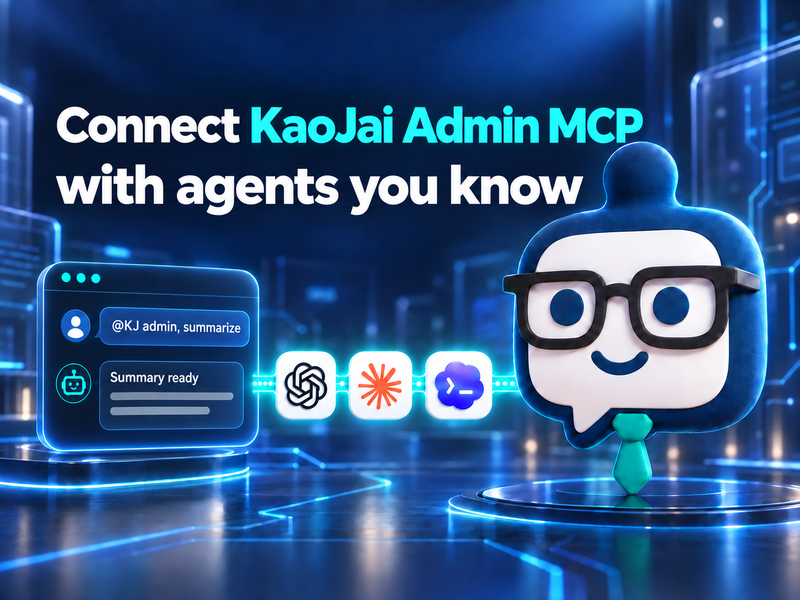
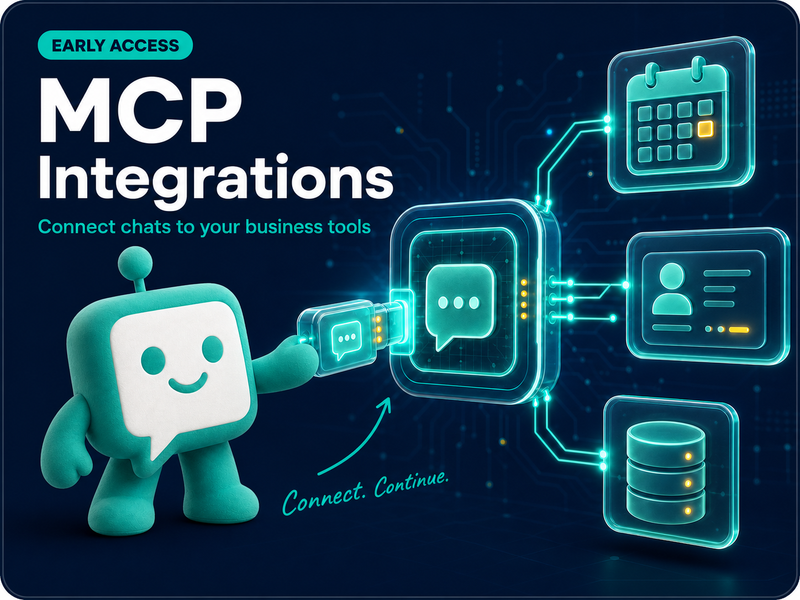
MCP Integrations lets you connect an approved AI client to the tenant chat you are authorized to manage. You can then use an AI agent and natural-language commands to summarize today’s chats, find leads in conversation messages, or send a follow-up based on conditions you define.
This article explains what MCP can do, shows a practical use case, and outlines the current Early Access scope.
What can MCP Integrations do?
MCP, or Model Context Protocol, is a standard way for an AI agent to call capabilities that you have approved. In KaoJai.ai, the first focus is the tenant’s customer conversations. The AI client is not given access to every tenant in the system.
Once connected, you can ask the AI agent to work with chat data in four main ways:
| What you ask the AI to do | MCP capability |
|---|---|
| See new or unread conversations | List recent conversations with safe previews and unread counts |
| Open one customer’s conversation | Read the messages in chronological order |
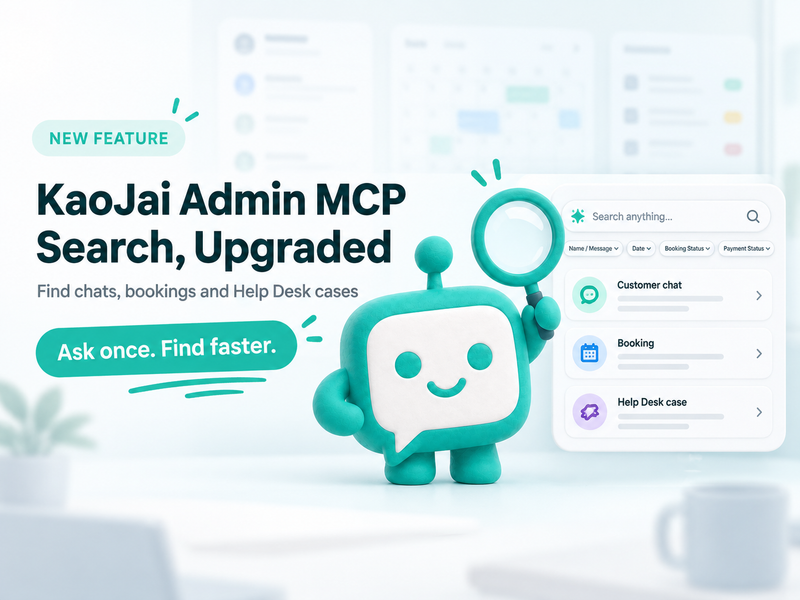
| Find a chat or lead | Search by display name or message text within an allowed lookback window |
| Send a customer message | Send text when the connection has sending enabled, subject to provider checks and a rate limit |
You do not need to remember tool names or API formats. Just describe what you want the AI to check or do. The result always stays within the data and permissions granted to that connection.
Use natural language to direct the AI agent
The useful part of MCP is that you can start with the business outcome instead of translating the problem into a technical request. For example:
- “Summarize today’s customer chats and separate customers who are ready to buy, waiting for information, or need a team follow-up.”
- “Find conversations where customers asked about pricing in the last 30 days and help identify the leads we should contact first.”
- “Open this conversation and check whether the team has answered the customer’s package question.”
- “If this conversation has not received an answer about pricing, send this message: ‘Hi, would you like our team to recommend a package for your needs?’”
These examples ask the AI to work from information in the conversation. They do not give it permission to invent information that is not there. When the data or condition is unclear, the AI should explain what it found and leave the decision with the team.
Practical use case: turn today’s chats into a lead follow-up list
Imagine a sales team receiving dozens of chats each day: pricing questions, requests for more details, and customers who are ready to talk. The team still has to open each conversation to decide what matters first.
Start by asking the AI agent to work through the task:
- Summarize the day: “Summarize today’s customer chats and separate the conversations that need follow-up today.”
- Find leads: “Find chats containing the word ‘price’ in the last 30 days and group customers who asked follow-up questions but have not decided yet.”
- Read before deciding: “Open these lead conversations and tell me whether the latest customer question has been answered.”
- Send by condition: “For conversations that match the condition and still have no answer, send this follow-up message one conversation at a time and report the result.”
The team gets a workable overview without searching every room manually. You can also choose whether the AI should only summarize and search, or whether the connection should have permission to send messages.
MCP sending is designed for bounded, condition-based follow-up during the early phase, not for sending a large batch of messages at once. Let the AI show the matching conversations first, then ask it to send only to conversations the team has reviewed.
Access is limited to what you are authorized to see
Each MCP connection is personal and tied to one tenant and one approved AI client. KaoJai checks the current authorization whenever the connection is used.
- The user must be the tenant’s Owner or Admin.
- The AI can read and search conversations only in that tenant, not in other tenants the user does not manage.
- Connections start with read access; sending can be enabled only when it is needed.
- Sending is text-only and must pass the relevant provider’s rules.
- Sending is rate-limited. A result means the provider accepted the request; it does not confirm that the customer received or read the message.
- The user can revoke a connection when it is no longer needed.
This lets AI help the team move faster while keeping data boundaries and human judgment in place. It is not a free pass for an AI agent to access everything automatically.
Early Access: included in Starter, available to the Pilot Program only
MCP is included in the Starter plan. During the current Early Access rollout, it is available only to Pilot Program participants so the KaoJai team and pilot teams can test real workflows and learn from feedback before broader availability.
Pilot Program participants can use MCP at no additional cost during the trial, and usage—especially message sending—is rate-limited to keep the Early Access experience bounded and help prevent unintended activity.
If you want to try it with your team, apply to the Pilot Program for free. The KaoJai.ai team can then help you select an approved AI client and start with a real chat workflow.
How to get started
- Apply to the Pilot Program and confirm that your workspace is eligible.
- Create a personal MCP connection from Integrations in KaoJai Admin.
- Connect an approved AI client and begin with read access.
- Try a measurable request, such as summarizing today’s chats or finding conversations that mention “price.”
- If the AI needs to send messages, enable sending and define the condition, scope, and message clearly.
FAQ: MCP Integrations and Early Access
What is MCP Integrations?
MCP Integrations connects an approved AI client to a tenant chat that the user is authorized to manage. The AI agent can list conversations, read messages, search conversations, and send text when the connection has the required permission.
Who can use MCP right now?
During Early Access, it is available only to Pilot Program participants. The user must also be the Owner or Admin of the tenant they want to connect. Applying to the Pilot Program is free during the trial.
Can the AI send a customer message?
Yes, when message sending is enabled for the connection and the conversation passes the provider’s rules. Sending is text-only, idempotent, and rate-limited. accepted_by_provider means the provider accepted the request; it does not mean the message has been read.
Can the AI see every tenant’s conversations?
No. The connection is bound to the user, one tenant, and one approved AI client. The user must still have the current Owner or Admin permission for that tenant, and authorization is checked on every request.
Conclusion
MCP Integrations lets you use an AI agent to work with the tenant chat you manage through natural language: summarize today’s conversations, find leads, read the relevant messages, and send condition-based follow-ups within clear permissions and boundaries.
The feature is included in the Starter plan, but the current Early Access is available only to the Pilot Program and can be joined for free. Message sending is rate-limited so teams can start experimenting with a clear scope.
If your team has chat work it repeats every day, start with one clear request and see how much easier it becomes to keep the work moving — simple, reliable, and built to understand 💚