
Highlights
TikTok Business DMs now land in KaoJai Inbox
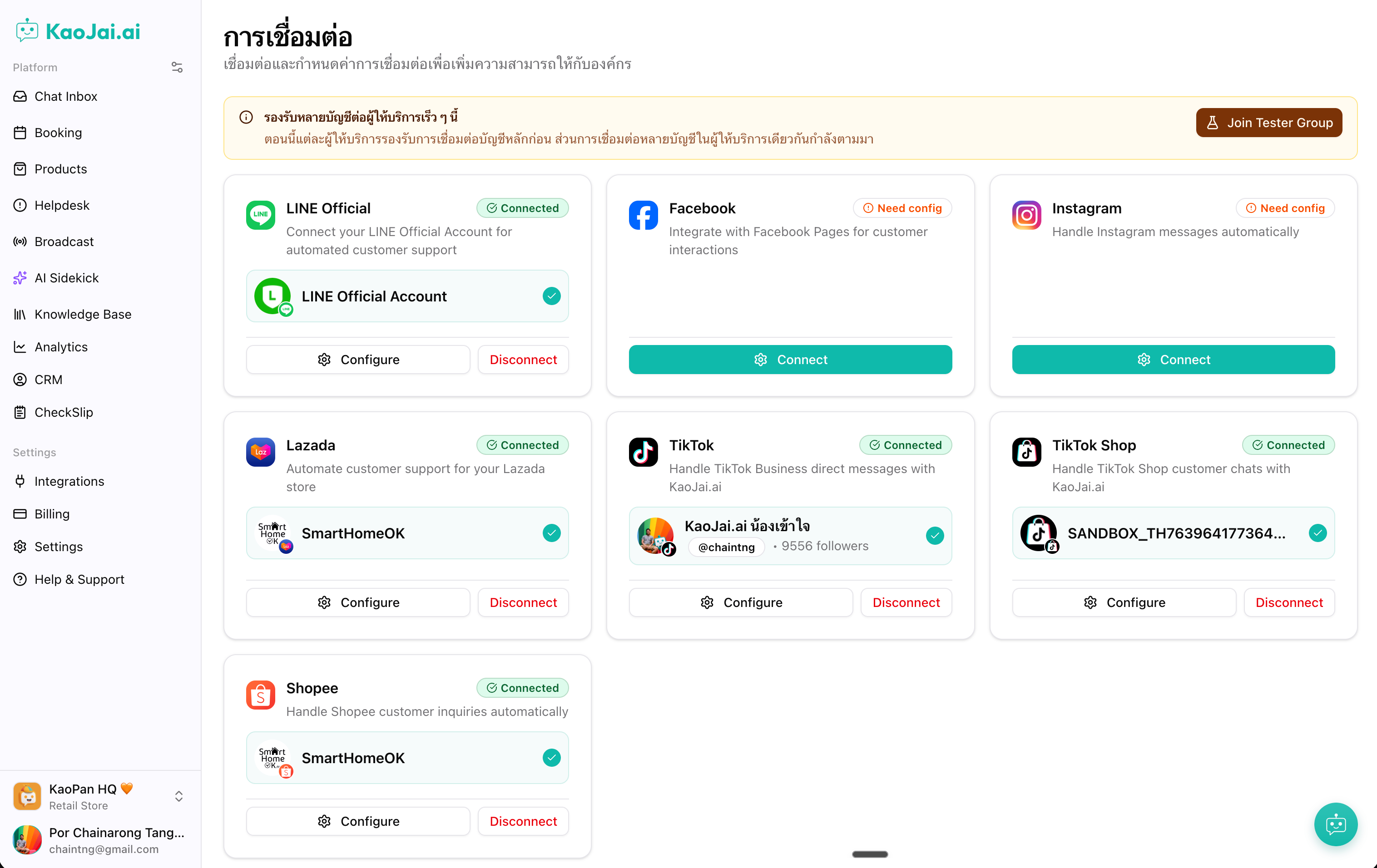
Teams can connect TikTok Business and handle customer messages from the same inbox they already use for other channels.
- TikTok Business messages now appear in KaoJai Inbox and can be answered by admin or AI.
- Customer conversations stay in one workflow, which helps teams reply faster and miss fewer inquiries.
- It brings TikTok into the same all-in-one inbox experience businesses already rely on for daily support.
TikTok Shop products, orders, and messages now connect together
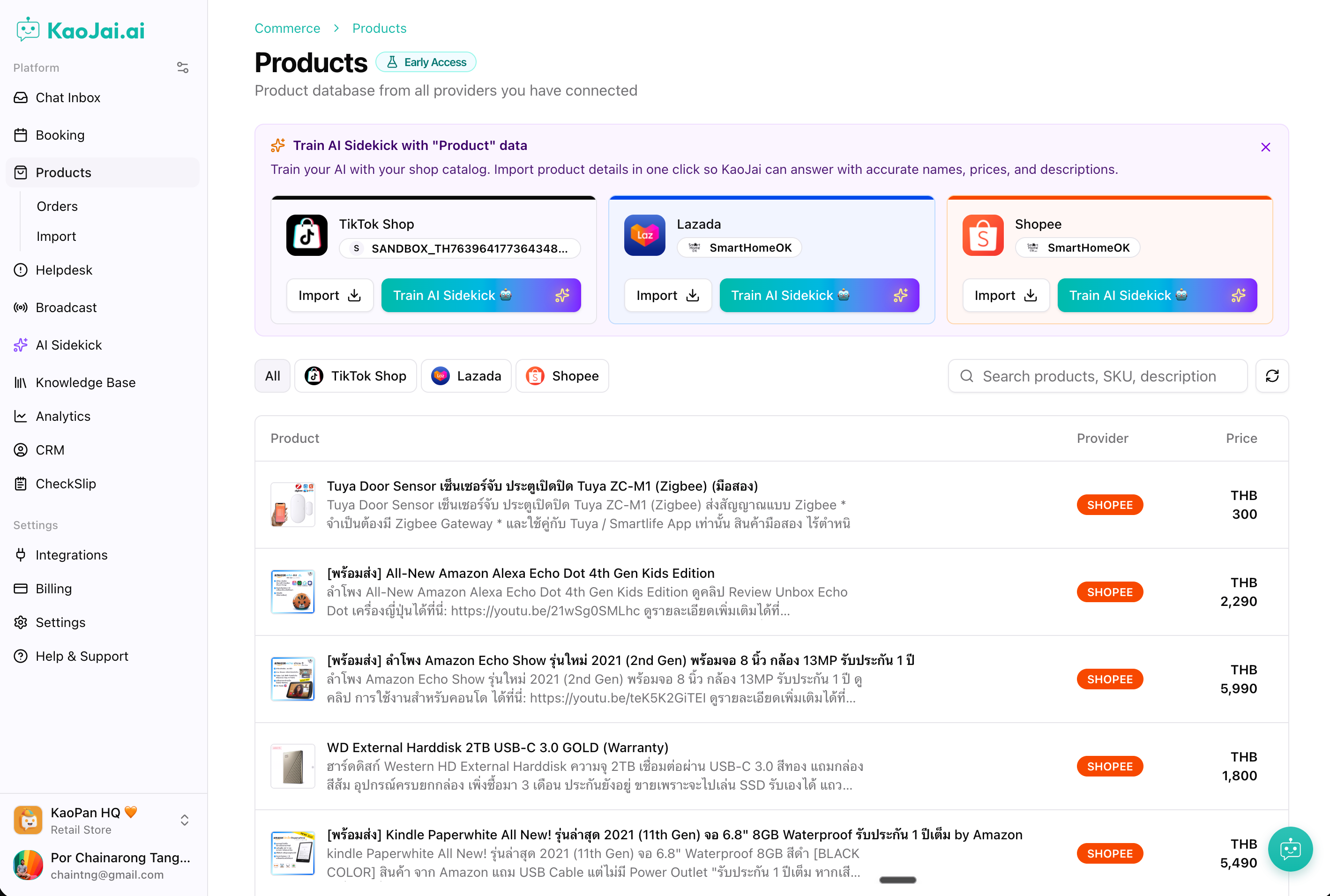
Product data, order updates, and customer messages from TikTok Shop now stay visible in KaoJai.
- TikTok Shop activity now flows into KaoJai, making it easier to track what is happening in one place.
- Teams can keep product and order updates close to the conversation, so follow-up happens sooner.
- Less switching between tools means less manual checking and a smoother customer experience.
Features
- Create and apply custom chat tags from the conversation view
- When a searched tag does not exist, the chat dialog now lets you create a new custom tag from the text you already typed.
- The new tag is applied to the active conversation right away, which keeps tagging fast and tidy.
- Avatar initials and empty order previews now display more cleanly across chat surfaces.
Bug Fixed
- Fixed chat navigation and search behavior — Selecting conversations and using mobile back now stays within the inbox experience, and free-text search returns cleaner results.
- Fixed LINE connection status after disconnect — LINE now shows the correct connected state, and disconnecting it fully clears the active connection.
Keywords: TikTok Business messaging, TikTok Shop integration, unified inbox, customer messaging, order notifications, product import